Boho Photo Filter
Explore the Bohemian Aesthetic Collection
Find your perfect vibe within our curated collection of bohemian filters. From desert sunsets to vintage tapestry looks, each filter offers a unique path to artistic expression.
Why Our Bohemian Photo Editor Stands Out
We go beyond simple filters to deliver a complete artistic transformation, capturing the authentic essence of bohemian style with intelligent, nuanced adjustments.
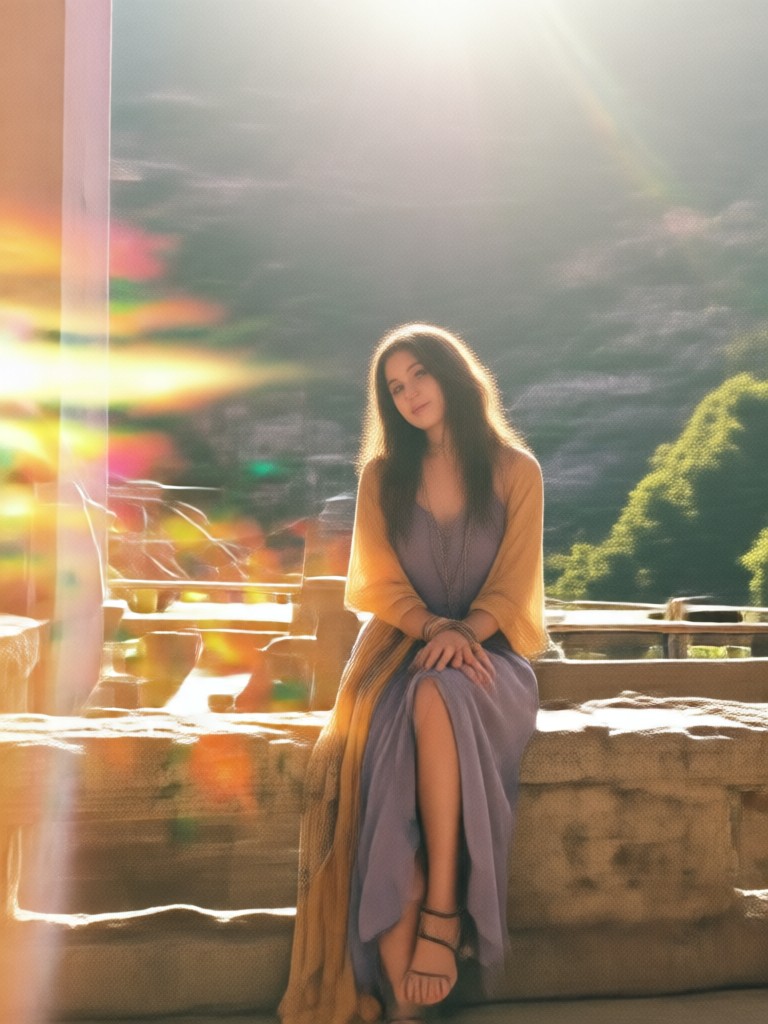
Authentic Boho Textures
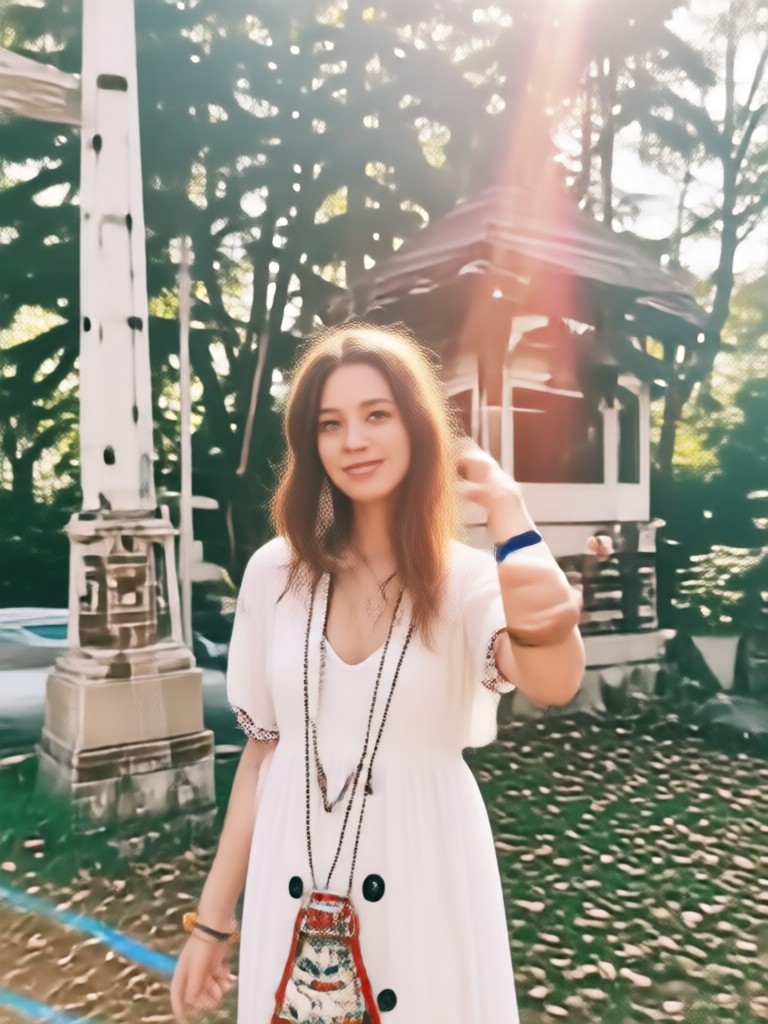
Our AI intelligently applies subtle film grain, light leaks, and canvas-like textures that feel organic, not artificial. It mimics the look of vintage photographs and handcrafted art.
Authentic Boho Textures
Our AI intelligently applies subtle film grain, light leaks, and canvas-like textures that feel organic, not artificial. It mimics the look of vintage photographs and handcrafted art.
Earthy & Dreamy Color Grading
Automatically balance your photo with warm, sun-drenched tones, muted pastels, and rich earthy hues. The editor enhances greens and browns while softening skies for a cohesive boho palette.
Earthy & Dreamy Color Grading
Automatically balance your photo with warm, sun-drenched tones, muted pastels, and rich earthy hues. The editor enhances greens and browns while softening skies for a cohesive boho palette.
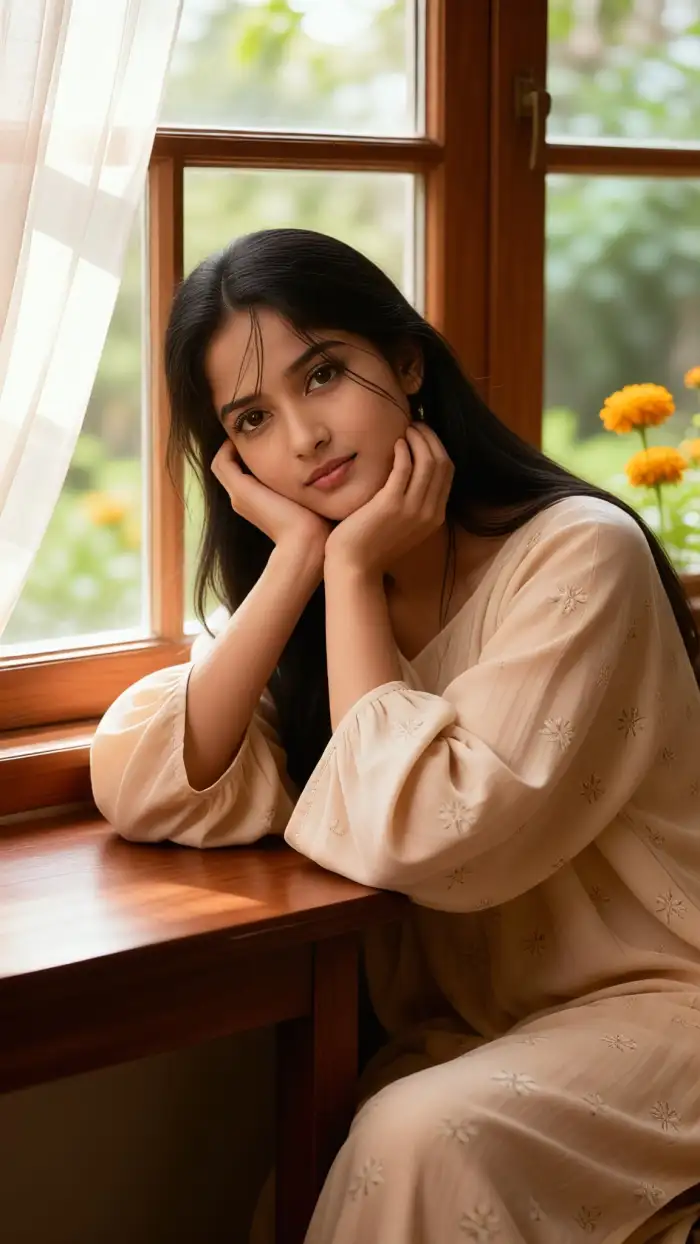
One-Tap Artistic Transformation
No complex sliders or manual editing needed. Choose your favorite boho photo filter and watch as the AI applies a harmonious blend of all stylistic elements instantly for a professional finish.
One-Tap Artistic Transformation
No complex sliders or manual editing needed. Choose your favorite boho photo filter and watch as the AI applies a harmonious blend of all stylistic elements instantly for a professional finish.
Gallery of Bohemian Creations
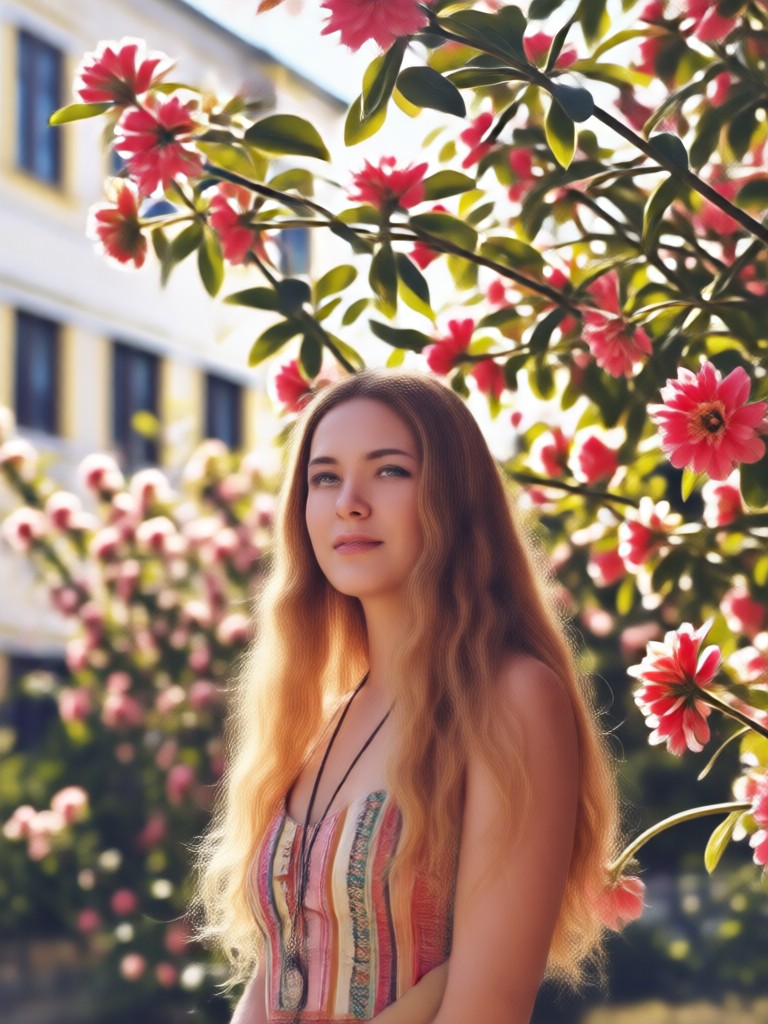
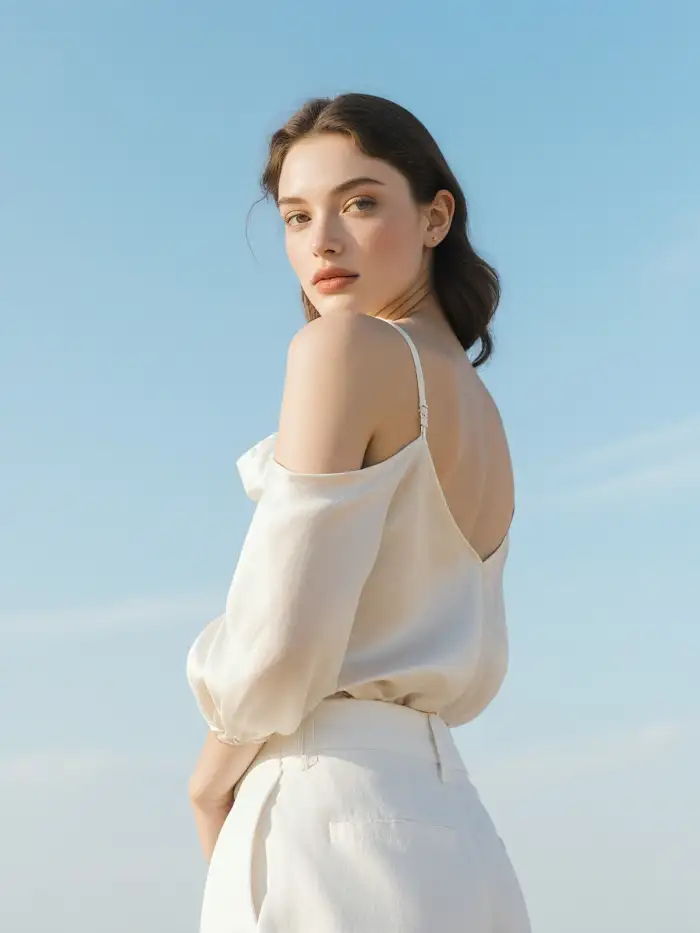
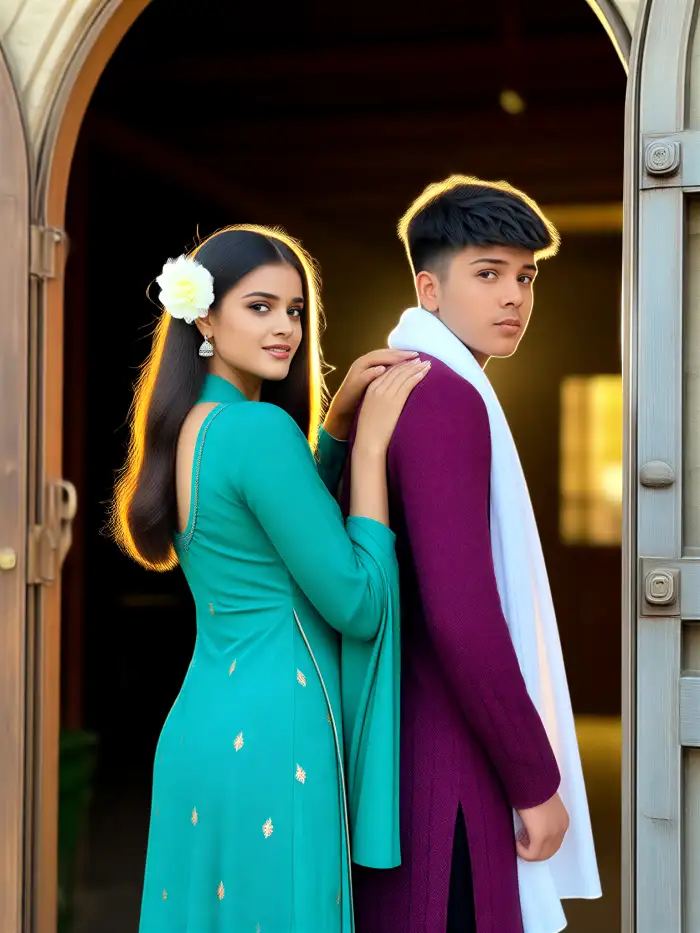
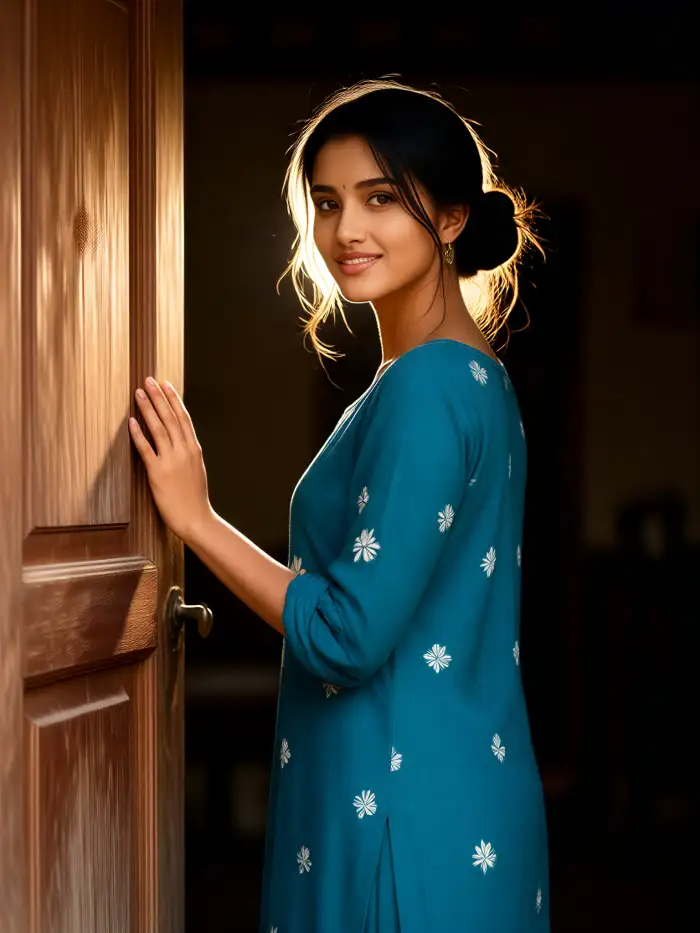
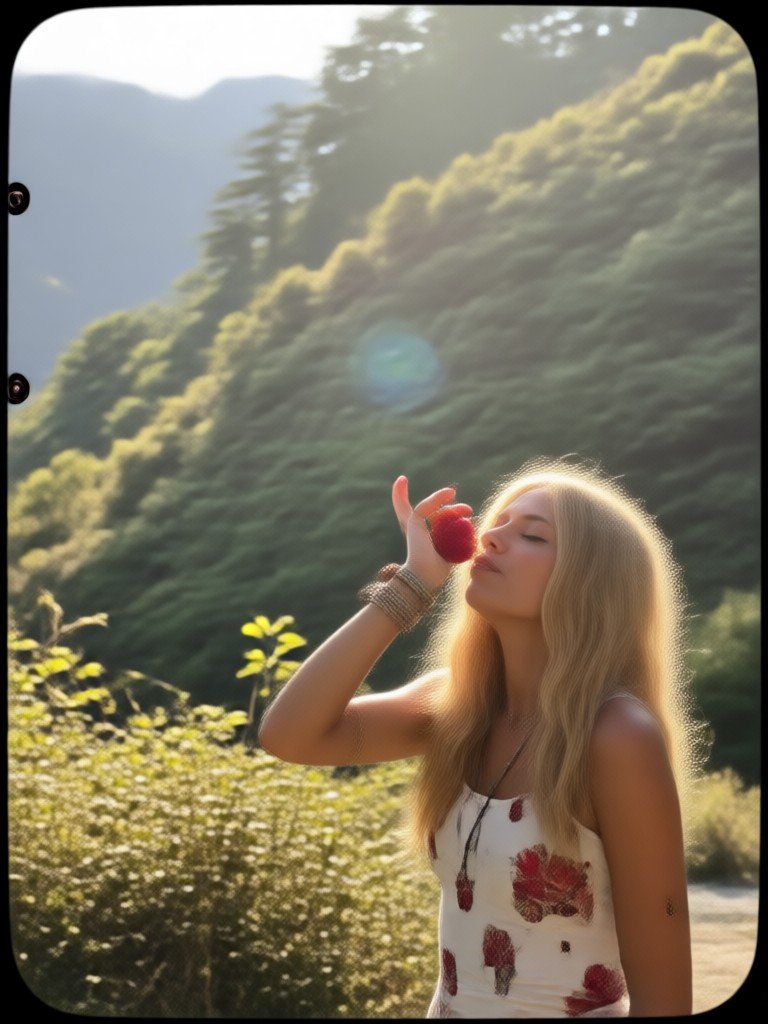
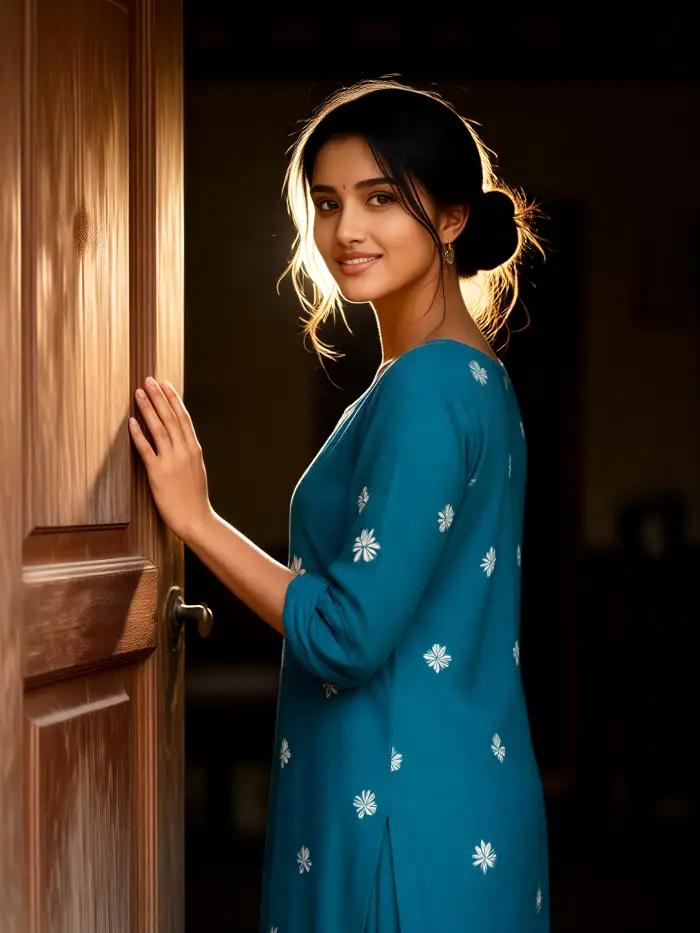
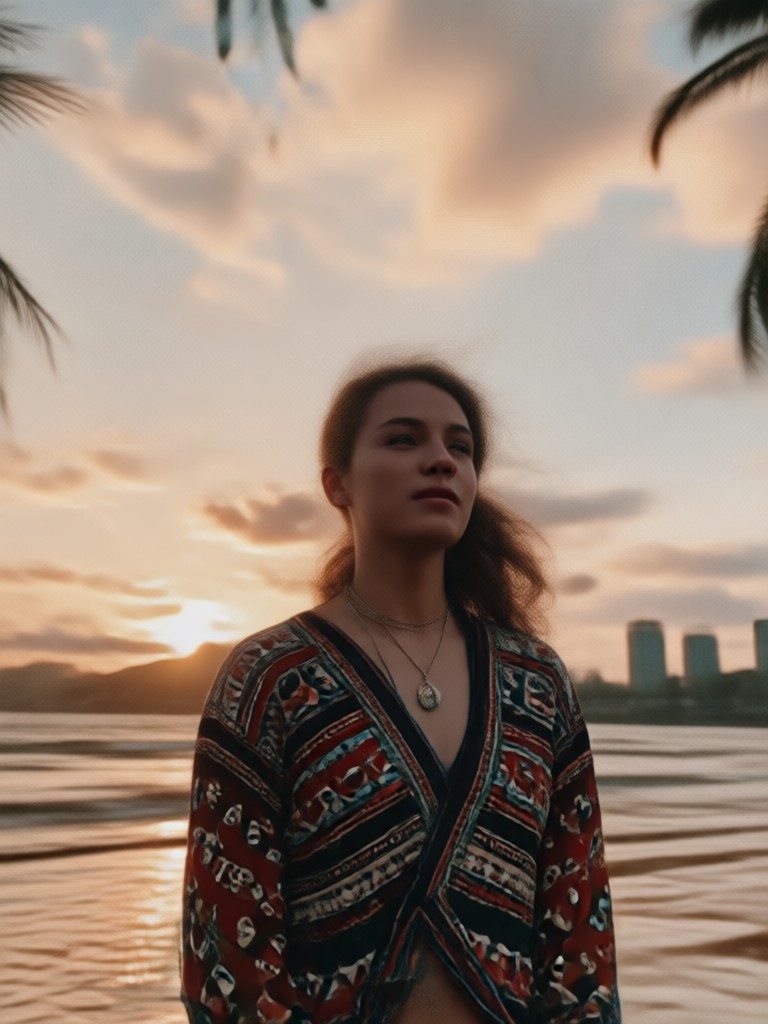
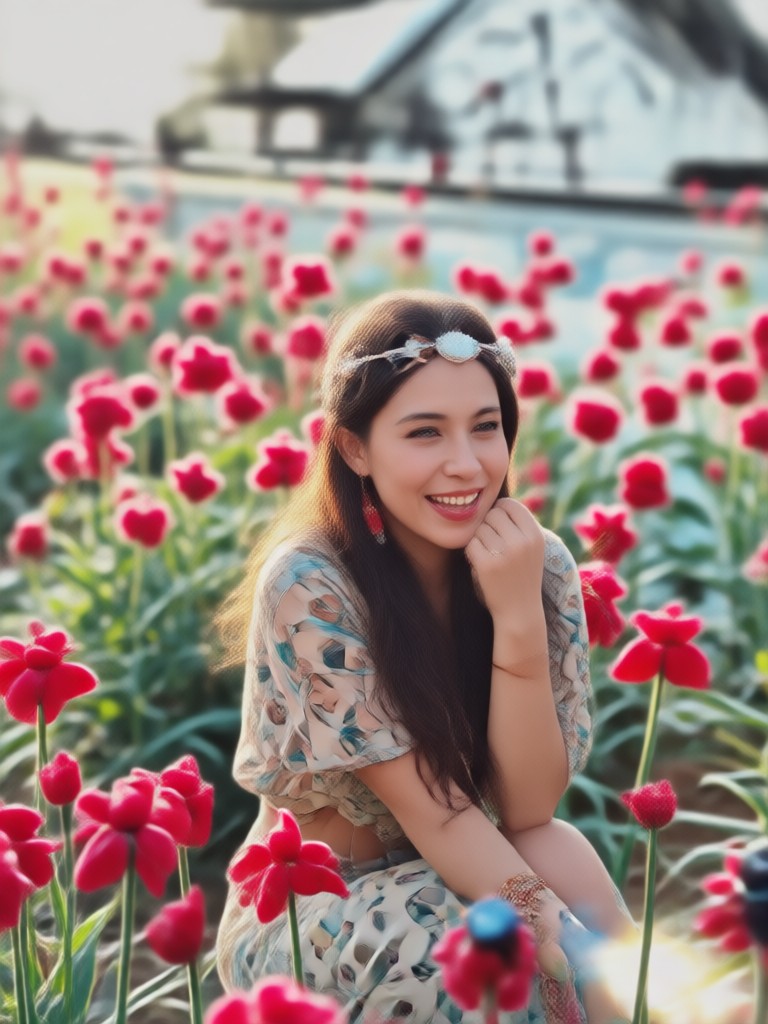
See how our boho photo filter transforms a wide variety of images. From portraits and travel shots to flat lays and landscapes, discover the endless creative possibilities.
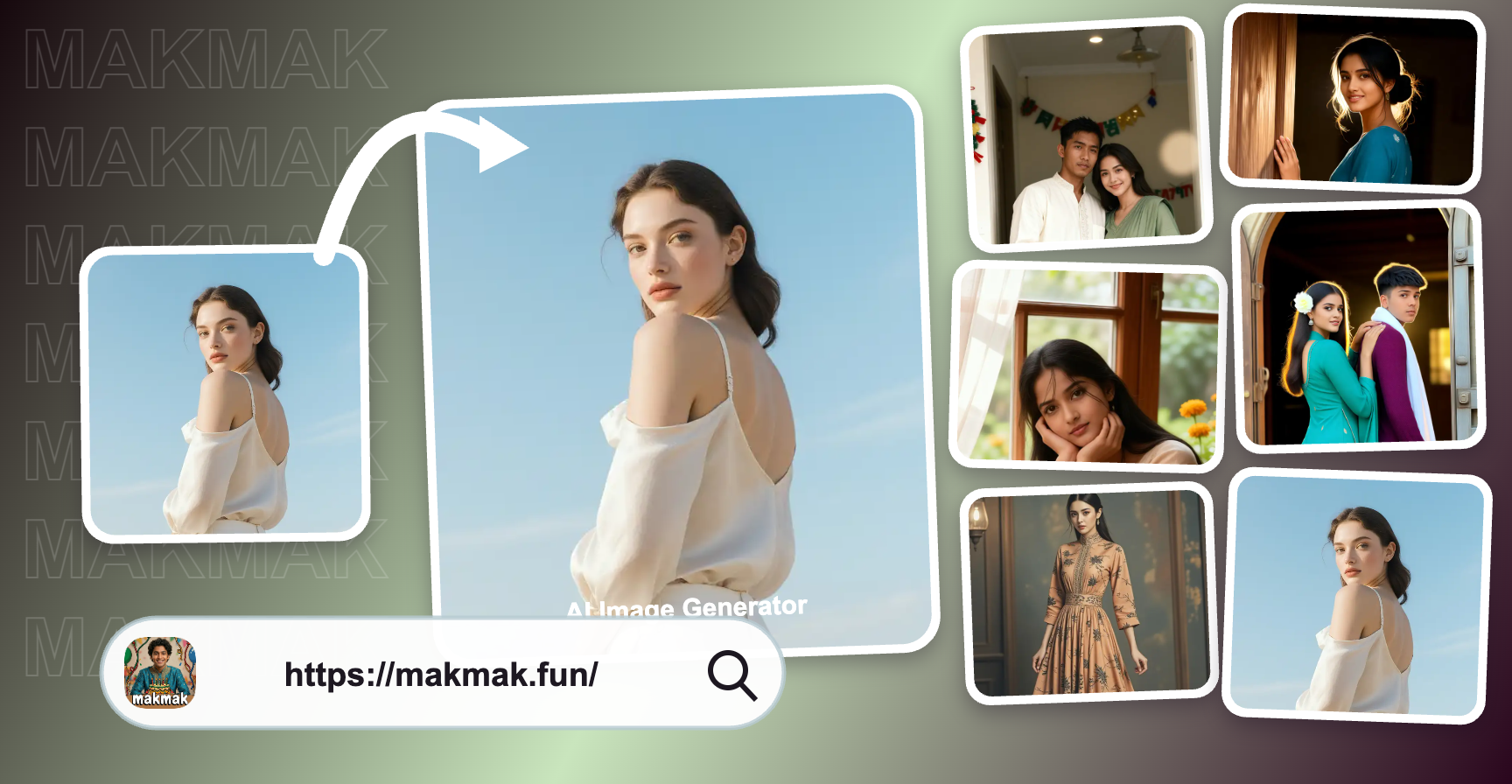
How to Use the Boho Photo Filter?
Creating stunning bohemian-style photos is incredibly simple. Follow these three easy steps to transform your images right from your phone.

Step 01.
Download the makmak app from Google Play. It’s your all-in-one toolkit for AI photo and video creation, home to our exclusive boho photo filter collection.

Step 02.
Open the app, upload your photo, and navigate to the filter gallery. Browse and select the bohemian photo editor filter that best matches your desired mood, from 'Desert Dream' to 'Vintage Tapestry'.

Step 03.
Tap apply and watch the AI work its magic. Instantly download your artistically transformed image, ready to share on Instagram, Pinterest, or with friends.
The Art of Effortless Editing
Why spend hours trying to replicate a complex bohemian look when AI can deliver perfection in seconds? Our tool is designed for creators who value both aesthetics and efficiency.
From Snapshot to Artwork in Seconds
Traditional photo editing for a genuine bohemian feel requires expertise in layering textures, color grading, and selective adjustments. Our boho photo filter consolidates this entire professional workflow into a single, intelligent action. The AI analyzes your image’s composition, lighting, and colors to apply enhancements that look custom-made, not generic. This means you achieve a cohesive, high-end artistic result every time, without any technical skill or time investment.
From Snapshot to Artwork in Seconds
Traditional photo editing for a genuine bohemian feel requires expertise in layering textures, color grading, and selective adjustments. Our boho photo filter consolidates this entire professional workflow into a single, intelligent action. The AI analyzes your image’s composition, lighting, and colors to apply enhancements that look custom-made, not generic. This means you achieve a cohesive, high-end artistic result every time, without any technical skill or time investment.
What Creators Are Saying About Our Boho Filter
My Instagram feed has never looked better
I run a small jewelry brand with a boho vibe. Finding a consistent filter was impossible until now. This bohemian photo editor gives all my product shots and lifestyle photos the same dreamy, warm aesthetic. It’s built my brand identity.
Perfect for travel content without the editing headache
As a travel blogger, I take thousands of photos. I used to spend hours editing. This boho filter captures the feeling of a place instantly. The earthy tones make my landscapes look sun-drenched and magical. It saves me so much time.
Brought my portrait photography to a new level
The texture and color adjustments are so nuanced. It doesn’t just slap a preset on. It genuinely enhances skin tones and backgrounds to create a soft, artistic portrait that clients love. It’s my secret weapon for a unique style.
Boho Photo Filter FAQs
Get quick answers to the most common questions about using our bohemian photo editor and creating stunning artistic images.
Ready to Define Your Aesthetic?
Stop scrolling through generic filters. Discover the power of an AI-powered bohemian photo editor that understands art and style. Transform your personal photos, brand content, or creative projects with a unique, cohesive look that stands out.
More Topics You May Like
Explore more topics you may like and discover fresh ideas tailored to your interests.
Google VEO
Google VEO
Google VEO
Google VEO
Google VEO
Google VEO
Google VEO
Google VEO
Your Boho Aesthetic, Instantly on Mobile
Download the makmak app now. Access our exclusive collection of bohemian photo filters and countless other AI creative tools. Turn every photo into a free-spirited masterpiece.

Your Boho Aesthetic, Instantly on Mobile
Download the makmak app now. Access our exclusive collection of bohemian photo filters and countless other AI creative tools. Turn every photo into a free-spirited masterpiece.