Black Metal Logo
Choose Your Darkness: Top Style Filters
Select from a curated library of brutal styles to forge the perfect black metal identity. From raw depressive isolation to symphonic high contrast.
How to Make a Black Metal Logo?
Forge your band identity in three simple steps using the makmak app. No design degree needed, just pure hatred for clean lines.

Step 01.
Download the makmak app from Google Play and open the AI generator. It works entirely on your mobile device.

Step 02.
Type your band name or upload a rough sketch. Select a black metal style filter such as frostbitten, chaotic, or gothic.

Step 03.
Generate the logo, tweak the intensity, and download the high resolution file for covers, patches, or social media.
Key Features of the Black Metal Logo Generator
Our mobile app is engineered to replicate the raw, analog feel of extreme metal graphics while giving you the speed of AI.
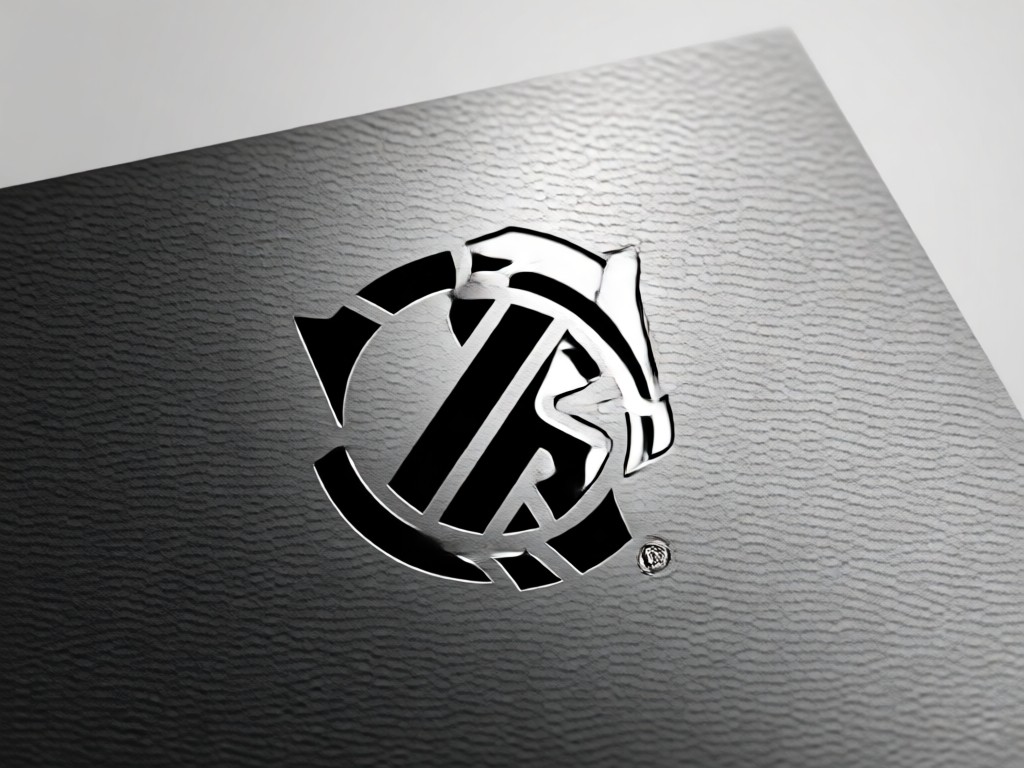
Authentic Corpse Paint Aesthetics
Generate logos that look like they were photocopied in 1994. The AI understands low contrast textures, jagged edges, and the specific illegible lettering style that defines true black metal branding. You get the visual weight of the underground without the tedious manual tracing.
Authentic Corpse Paint Aesthetics
Generate logos that look like they were photocopied in 1994. The AI understands low contrast textures, jagged edges, and the specific illegible lettering style that defines true black metal branding. You get the visual weight of the underground without the tedious manual tracing.

Infinite Illegible Typography
Stop struggling with fonts. Our model injects organic chaos into your text. It creates tangled branches, dripping ink, and sharp symmetrical spikes that standard graphic design tools cannot replicate. Perfect for album covers and t-shirts.
Infinite Illegible Typography
Stop struggling with fonts. Our model injects organic chaos into your text. It creates tangled branches, dripping ink, and sharp symmetrical spikes that standard graphic design tools cannot replicate. Perfect for album covers and t-shirts.
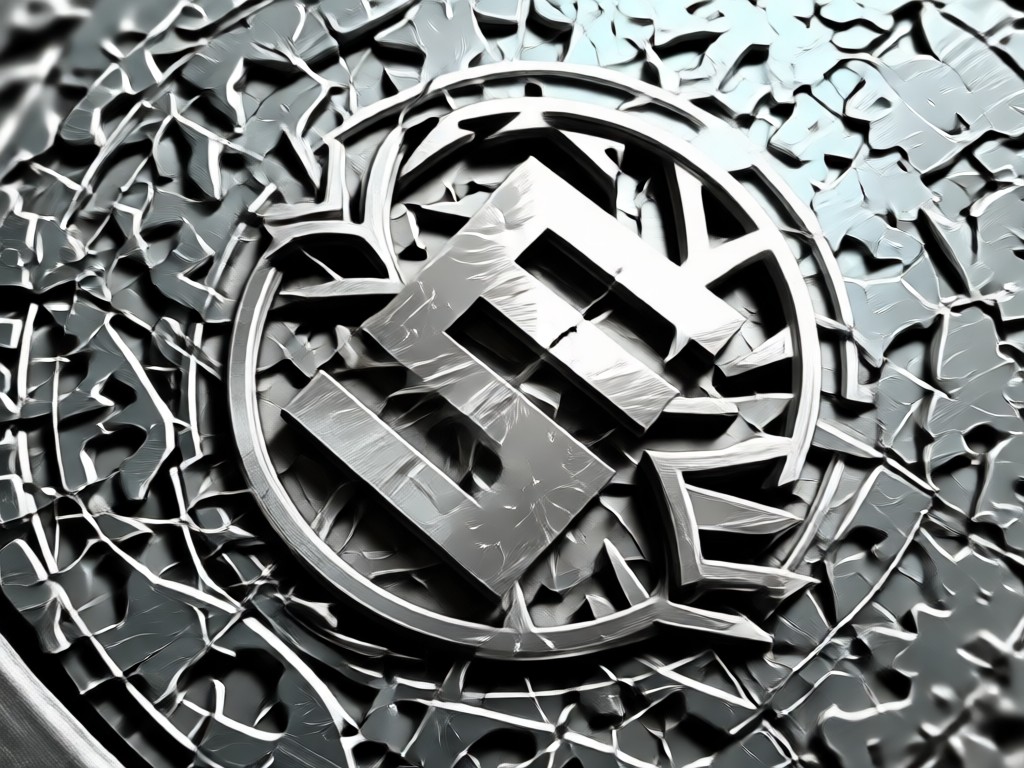
High Resolution Texture Blending
Go beyond flat vectors. Merge your logo with snow, fog, ruins, and moonlight. The image-to-image feature preserves your composition while injecting realistic environmental decay and high contrast grain for a professional, print ready look.
High Resolution Texture Blending
Go beyond flat vectors. Merge your logo with snow, fog, ruins, and moonlight. The image-to-image feature preserves your composition while injecting realistic environmental decay and high contrast grain for a professional, print ready look.
Explore AI Creations Gallery
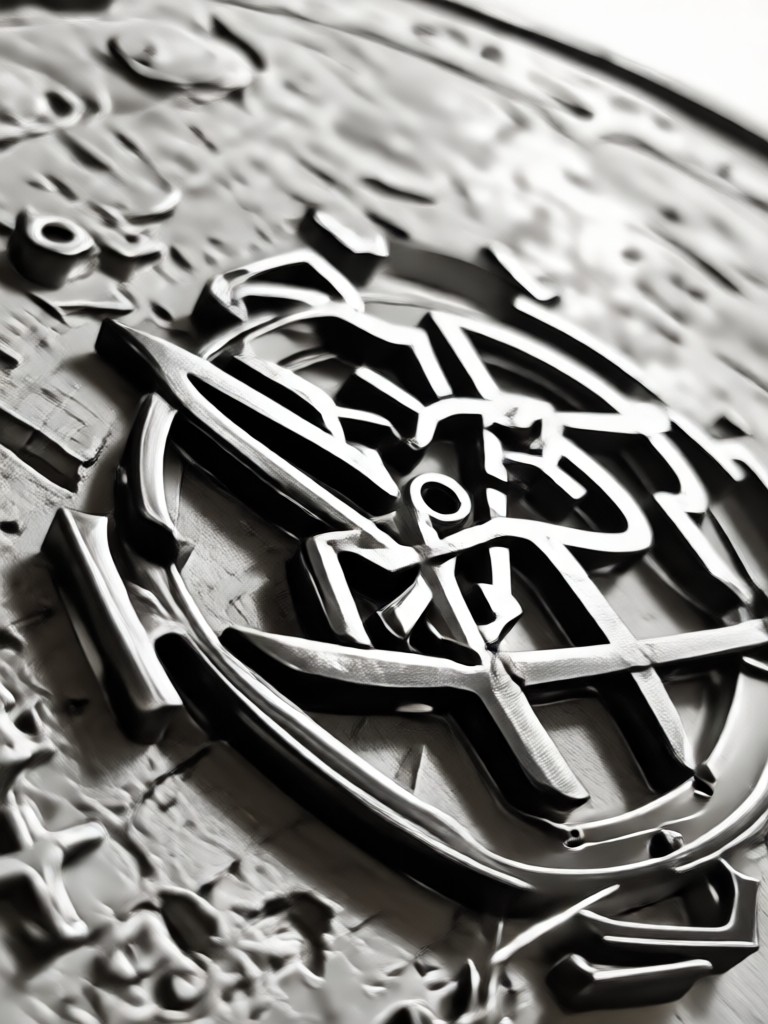
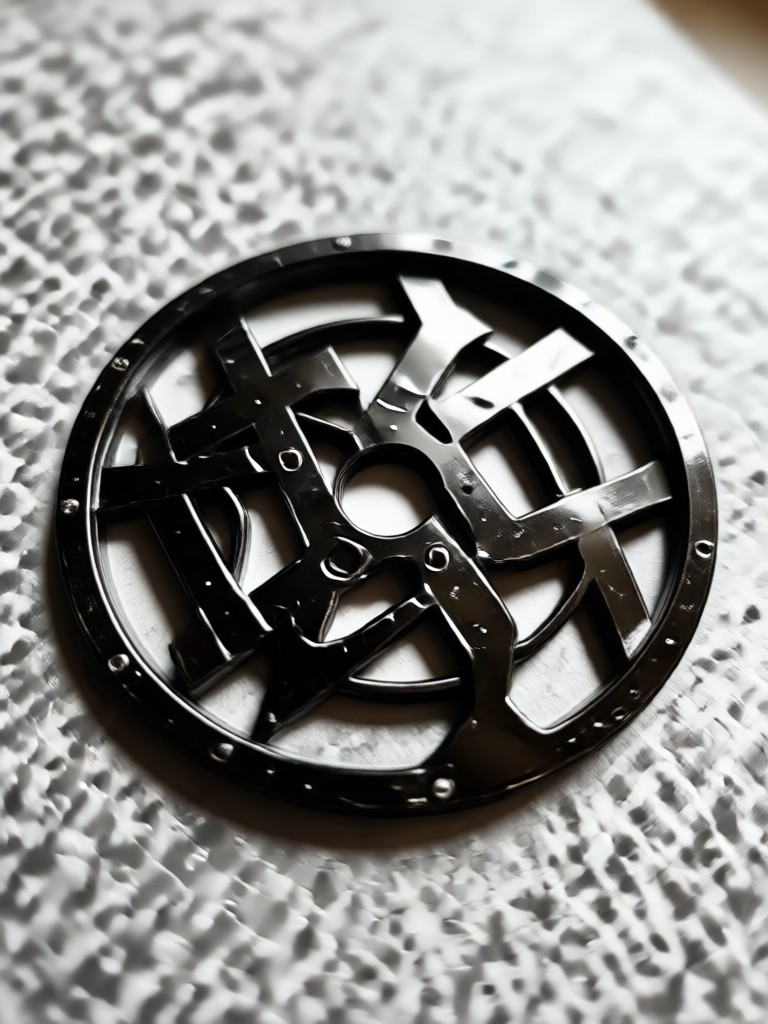
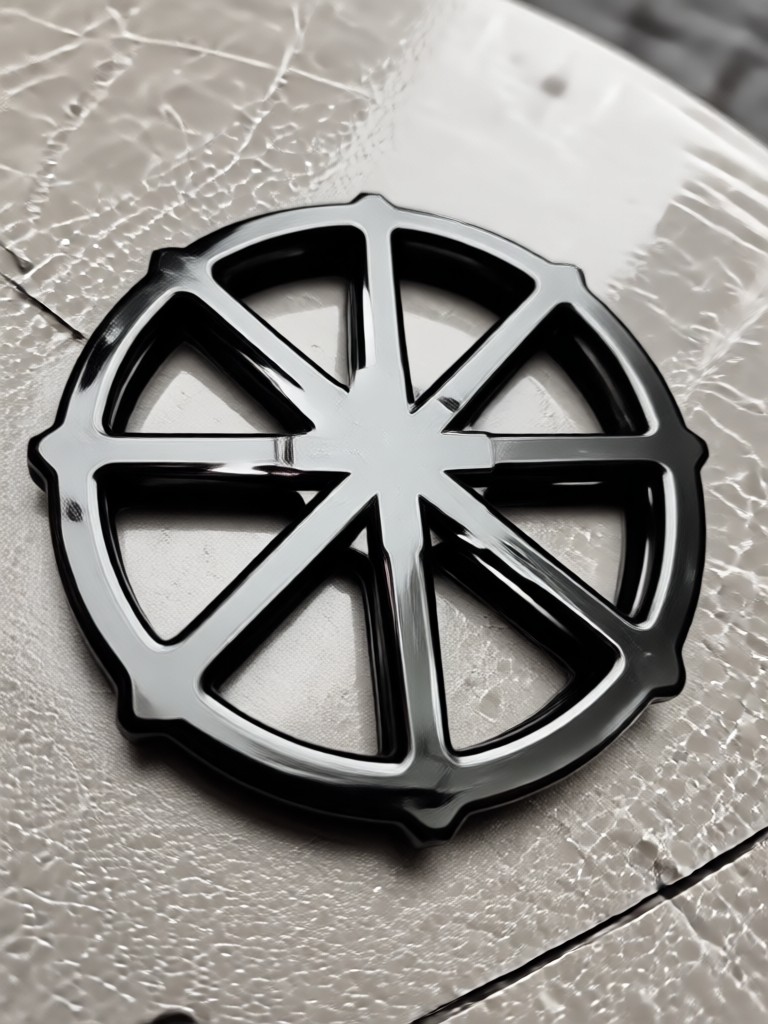
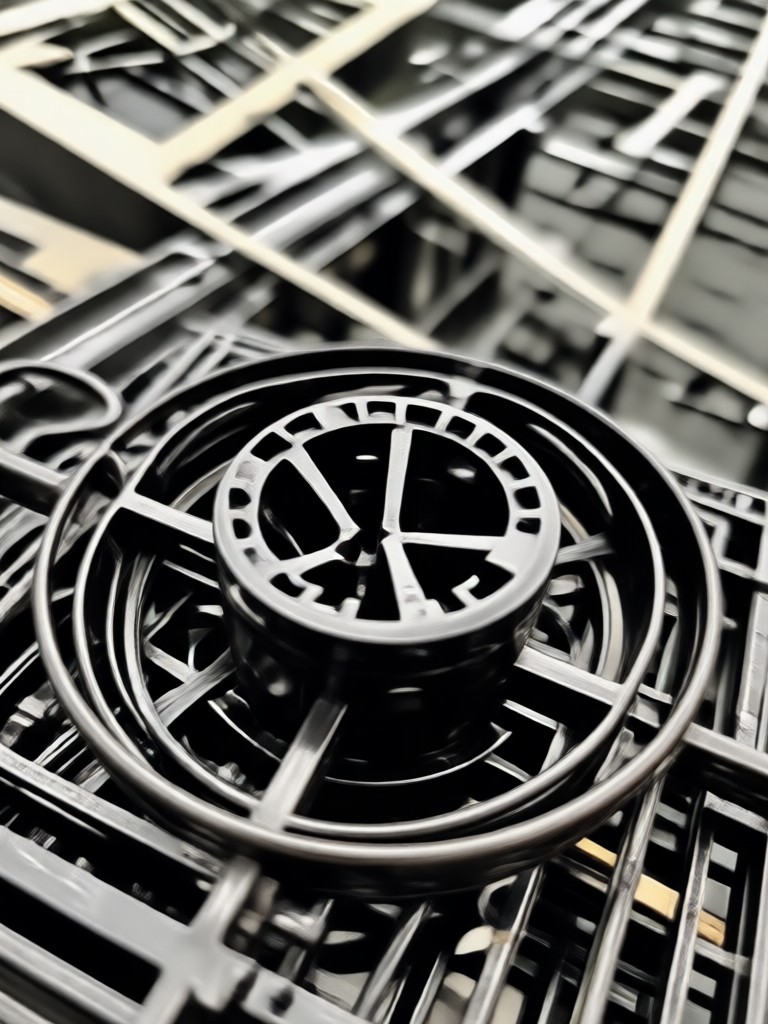
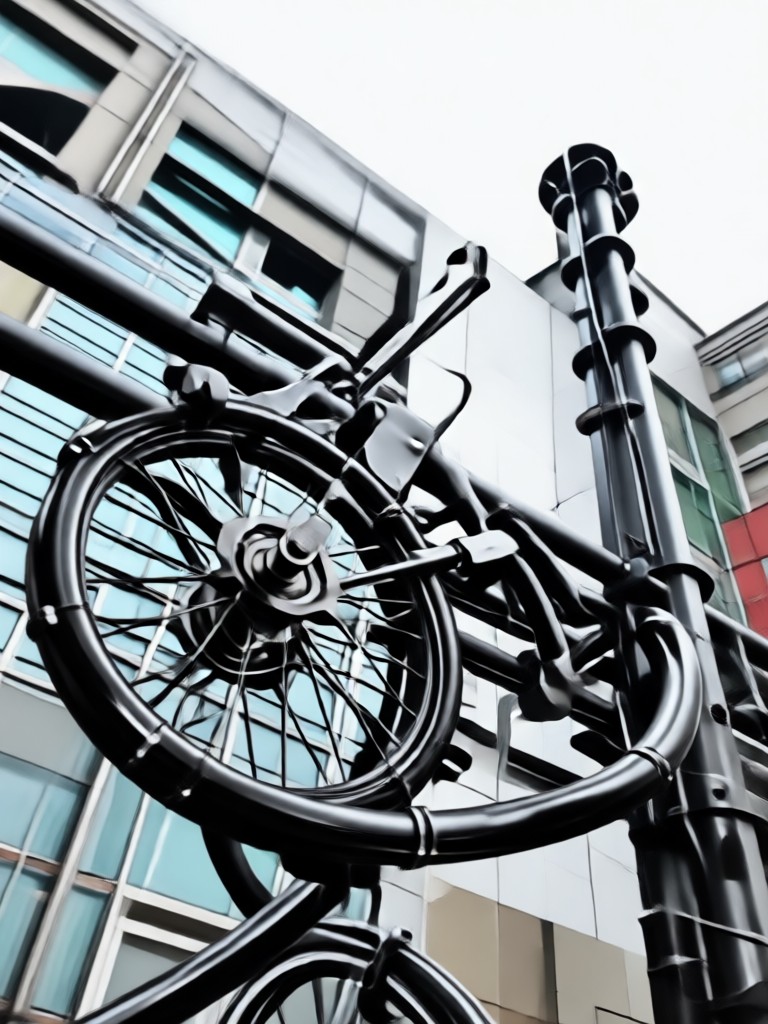
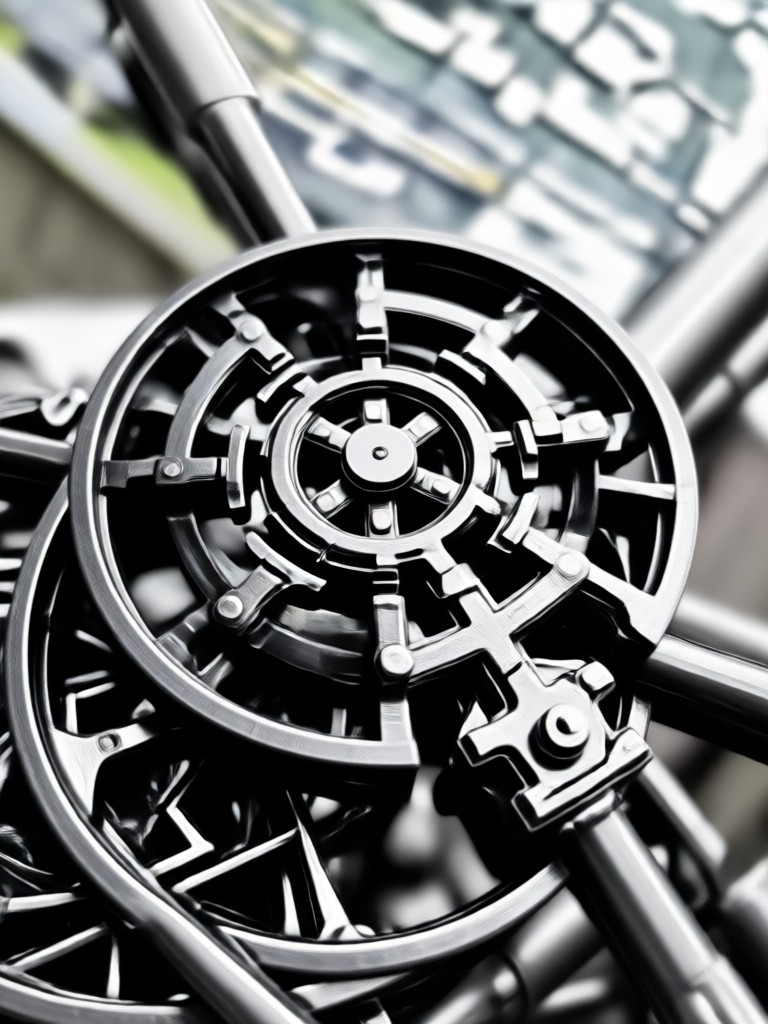
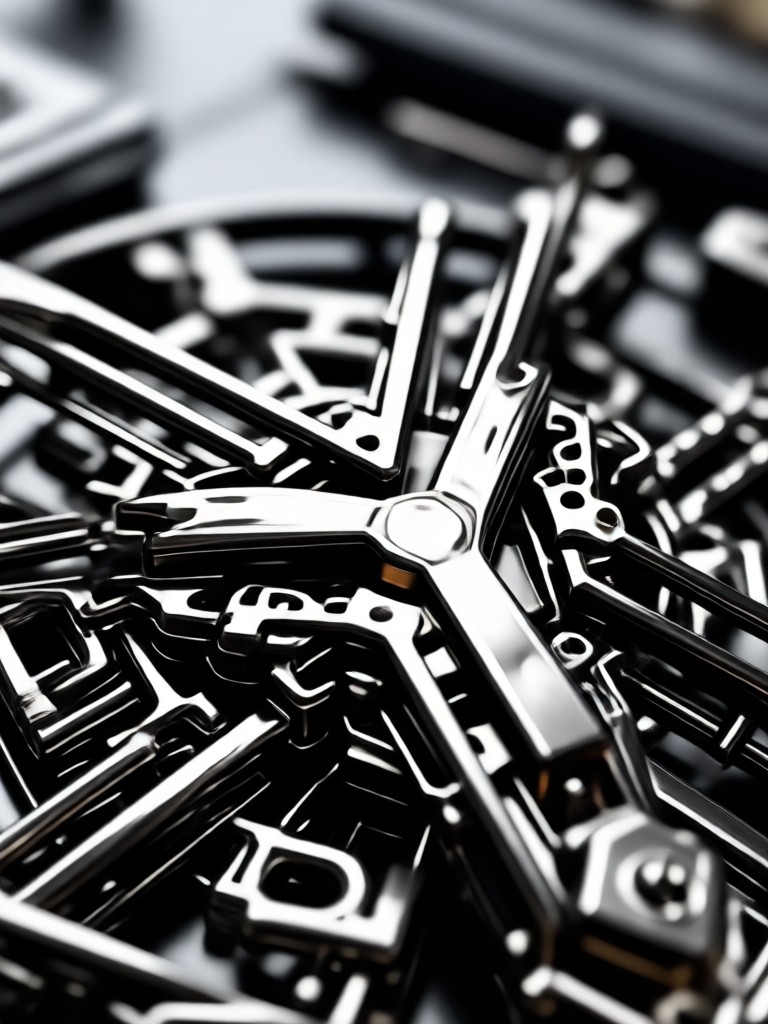
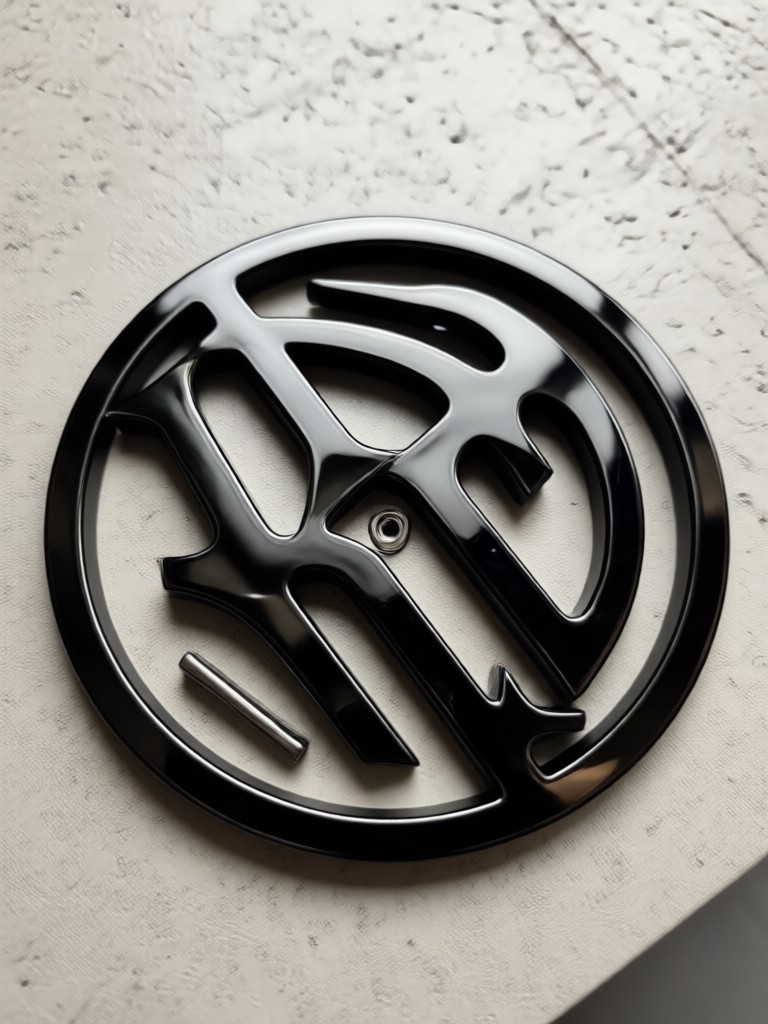
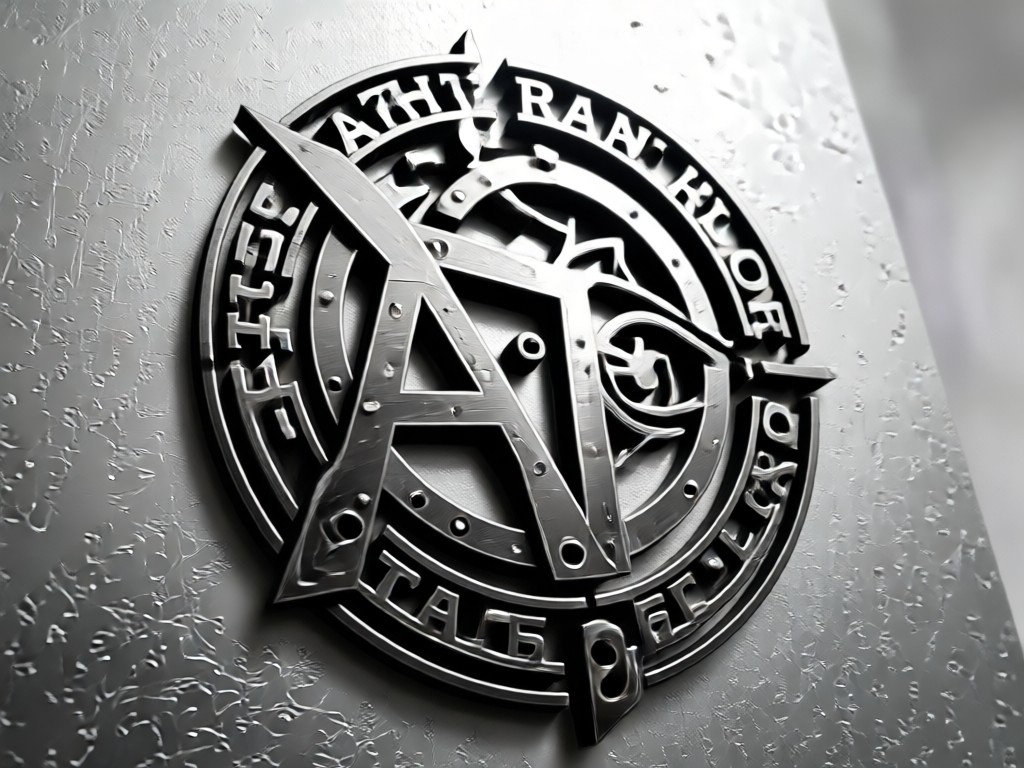
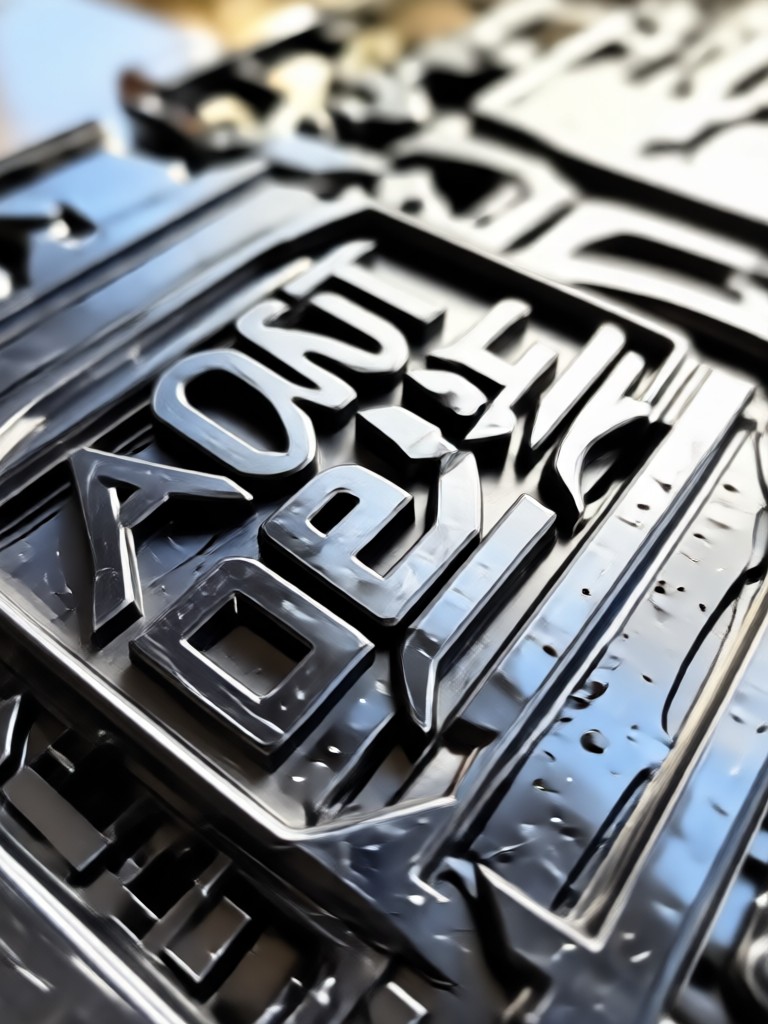
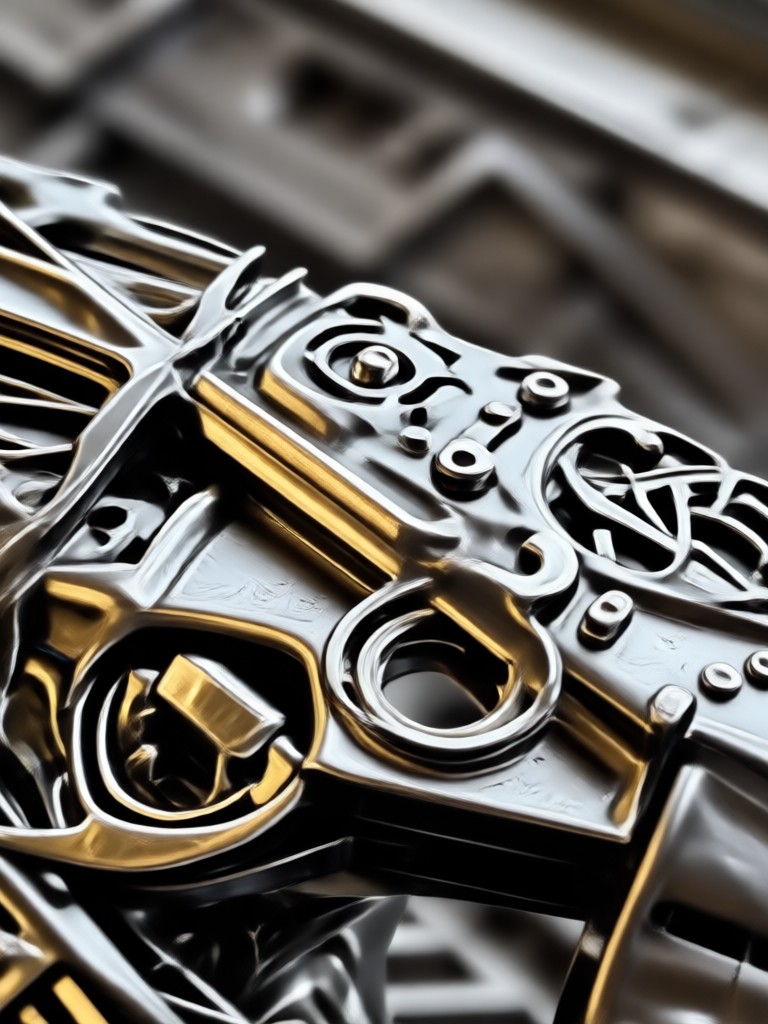
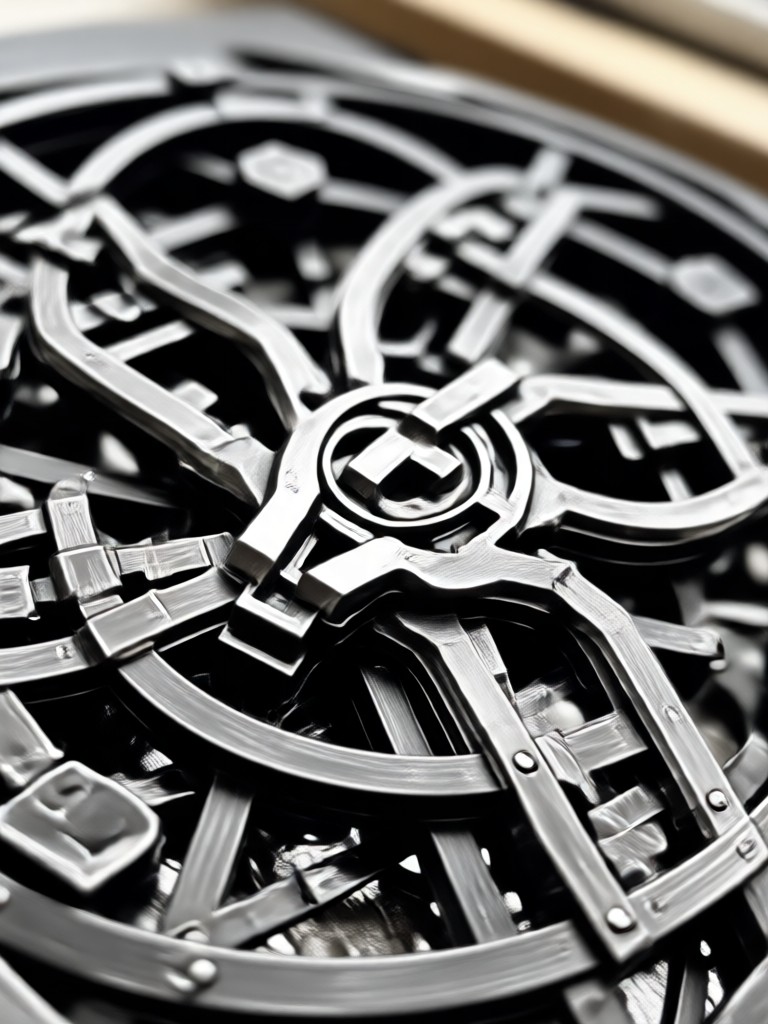
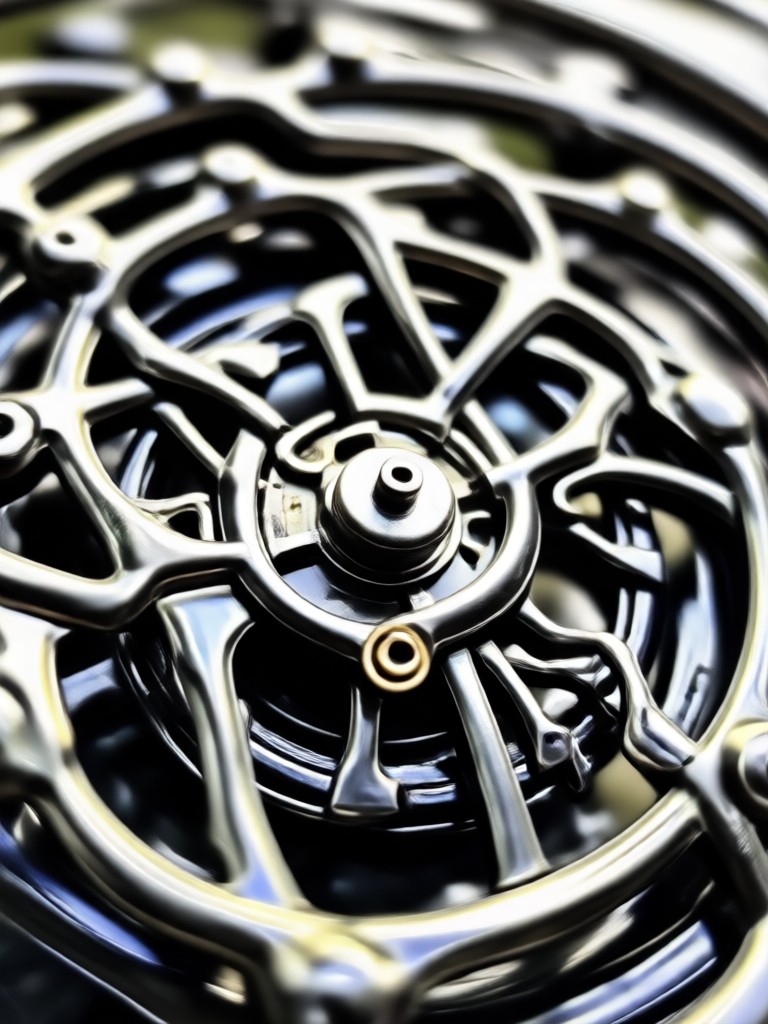
Witness the raw power of AI generated extreme metal art. These visuals range from depressive atmospheric scenes to sharp, frostbitten band emblems.

Why Use Our AI for Dark Band Logos?
Graphic designers charge hundreds for what looks like random scratches. We give you the tools to generate that raw aesthetic instantly. The makmak app understands the visual language of extreme music culture, from low-fi production values to majestic symphonic darkness. Upload your drafts and see them transformed into authentic underground artifacts.
Why Use Our AI for Dark Band Logos?
Graphic designers charge hundreds for what looks like random scratches. We give you the tools to generate that raw aesthetic instantly. The makmak app understands the visual language of extreme music culture, from low-fi production values to majestic symphonic darkness. Upload your drafts and see them transformed into authentic underground artifacts.
Popular Style Sample for Download
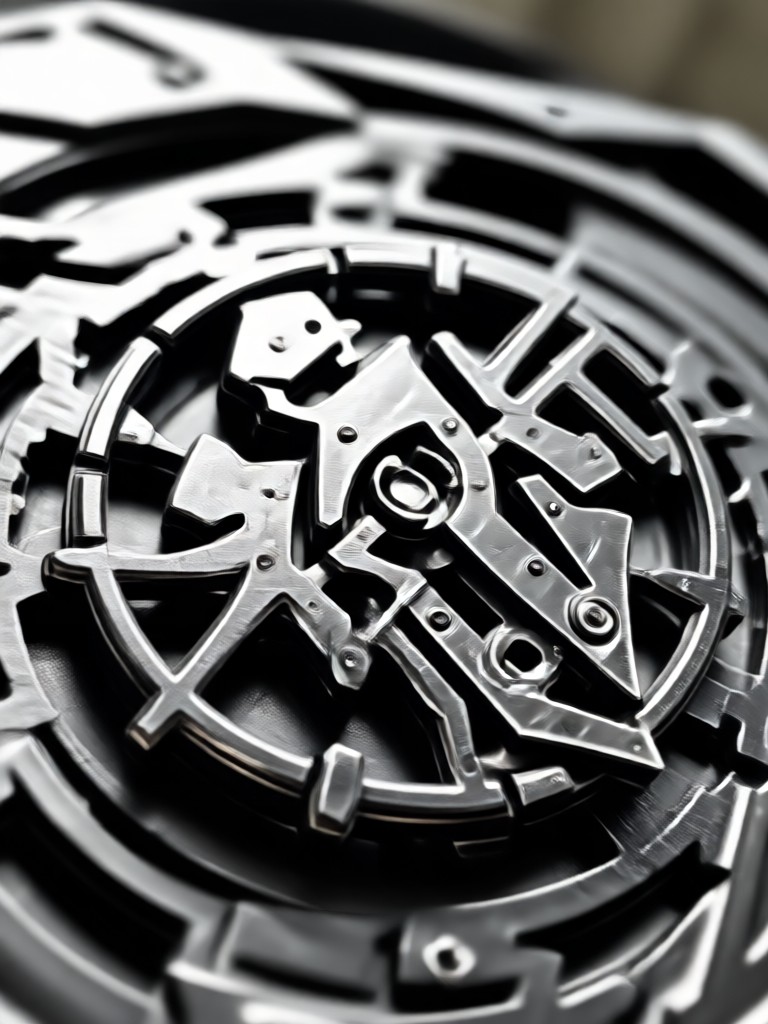
Reference these distinct sub-genre aesthetics when crafting your prompt to get the perfect mood for your release.
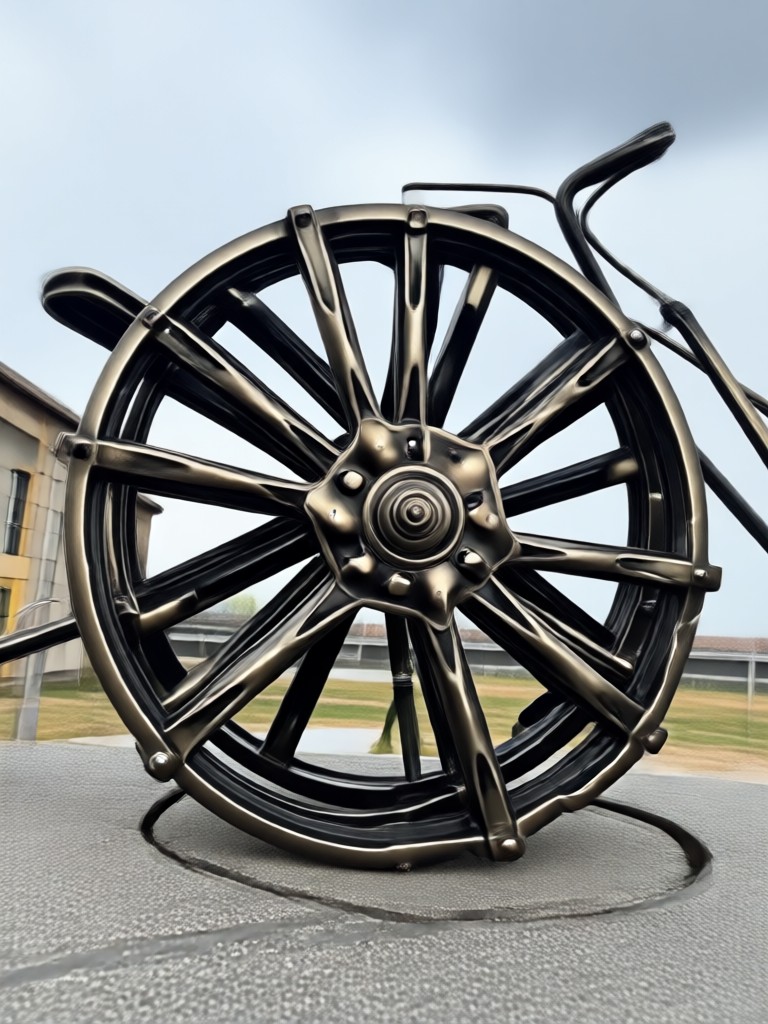
Black Metal Logo Creator for Android
Take the darkness with you. The makmak app is available exclusively on Google Play. Generate, refine, and export your extreme designs without a desktop computer.

Frequently Asked Questions
Find clear answers to common questions about generating dark metal graphics and getting the most out of the app.
Trending AI Effects at Your Fingertips
Apply the latest viral effects to videos and images effortlessly. Stay ahead of trends and create content everyone will notice.

Trending AI Effects at Your Fingertips
Apply the latest viral effects to videos and images effortlessly. Stay ahead of trends and create content everyone will notice.