Turn Ideas Into Stunning AI Graphic Design
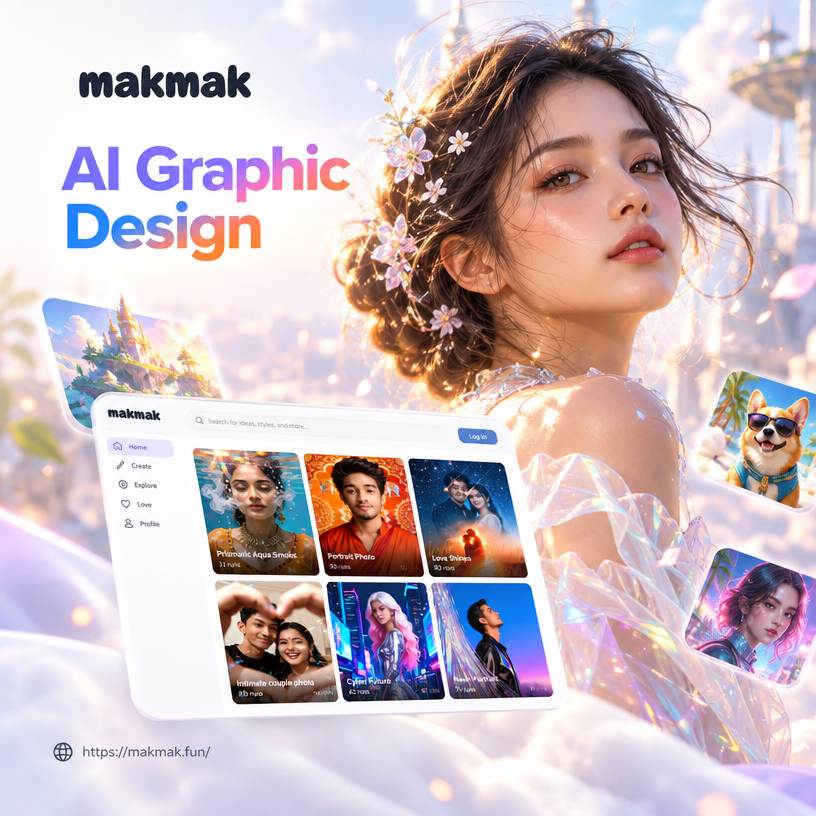
Choose the AI Graphic Design Style That Fits Your Vision
Explore thousands of filters for posters, logos, social media graphics, and more. Find the perfect look for your next design.
Powerful AI Graphic Design Tools in One App
makmak gives you everything you need to create professional AI graphic design from your phone. Generate original artwork, restyle existing images, and access a massive library of design templates.
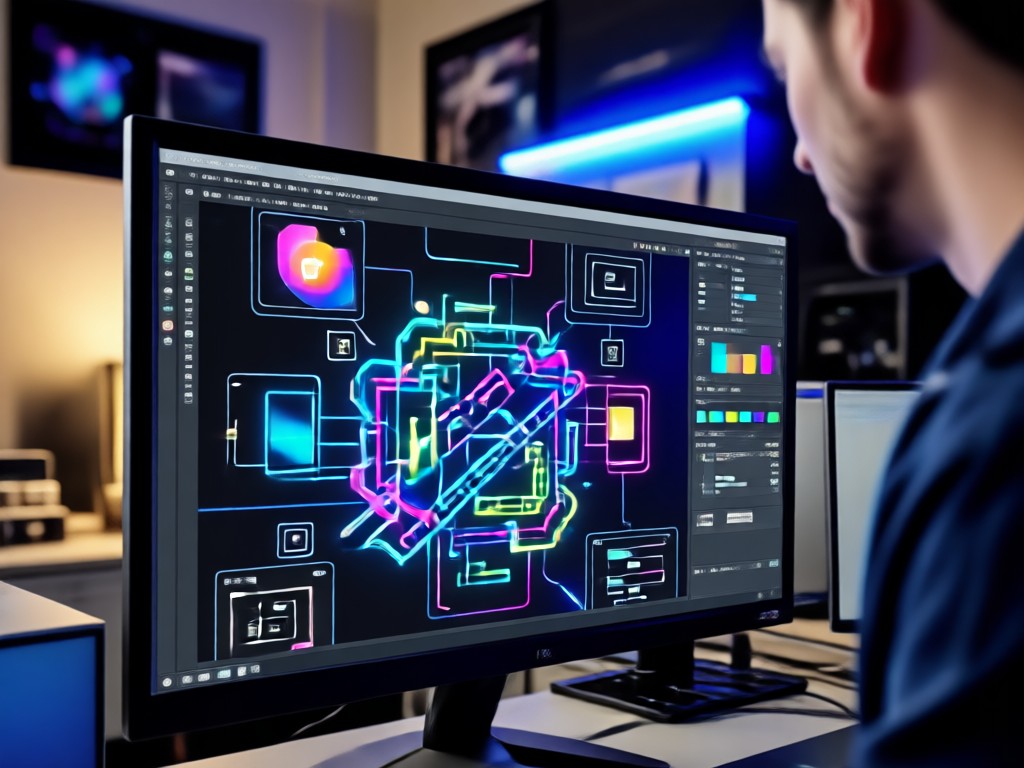
Text to Image Design
Type a simple prompt and watch makmak turn it into polished AI graphic design. Choose from poster, logo, banner, and social media templates.
Text to Image Design
Type a simple prompt and watch makmak turn it into polished AI graphic design. Choose from poster, logo, banner, and social media templates.
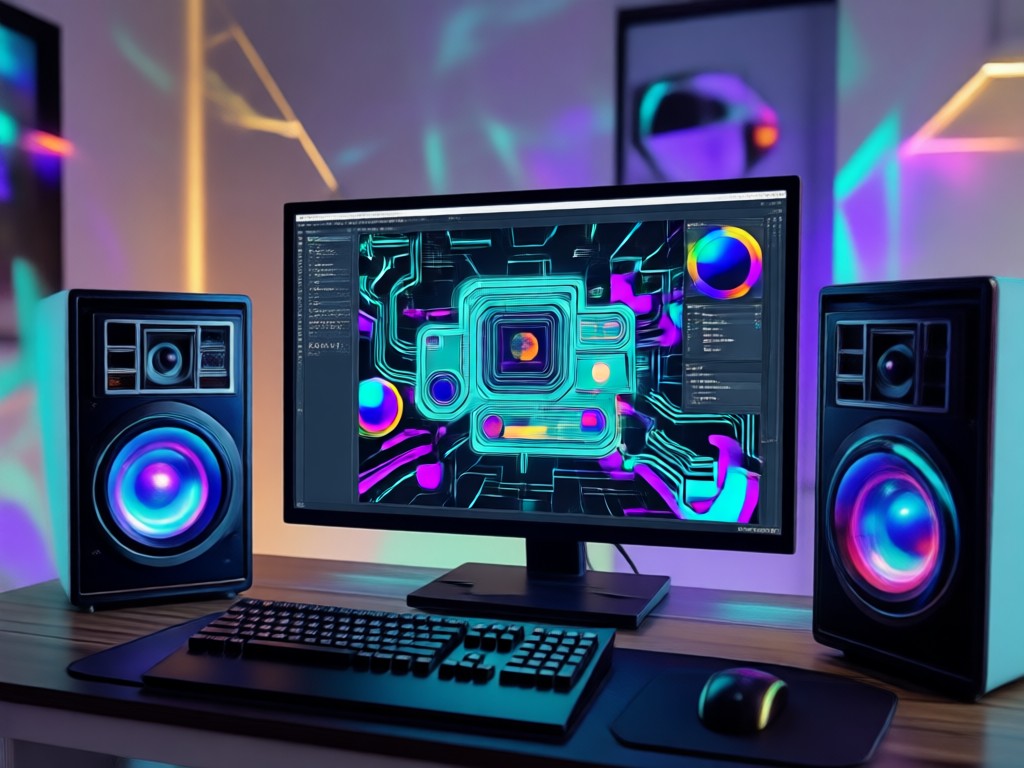
Image to Image Restyle
Upload a sketch, logo draft, or photo and let AI apply professional graphic design styles while keeping your subject intact.
Image to Image Restyle
Upload a sketch, logo draft, or photo and let AI apply professional graphic design styles while keeping your subject intact.
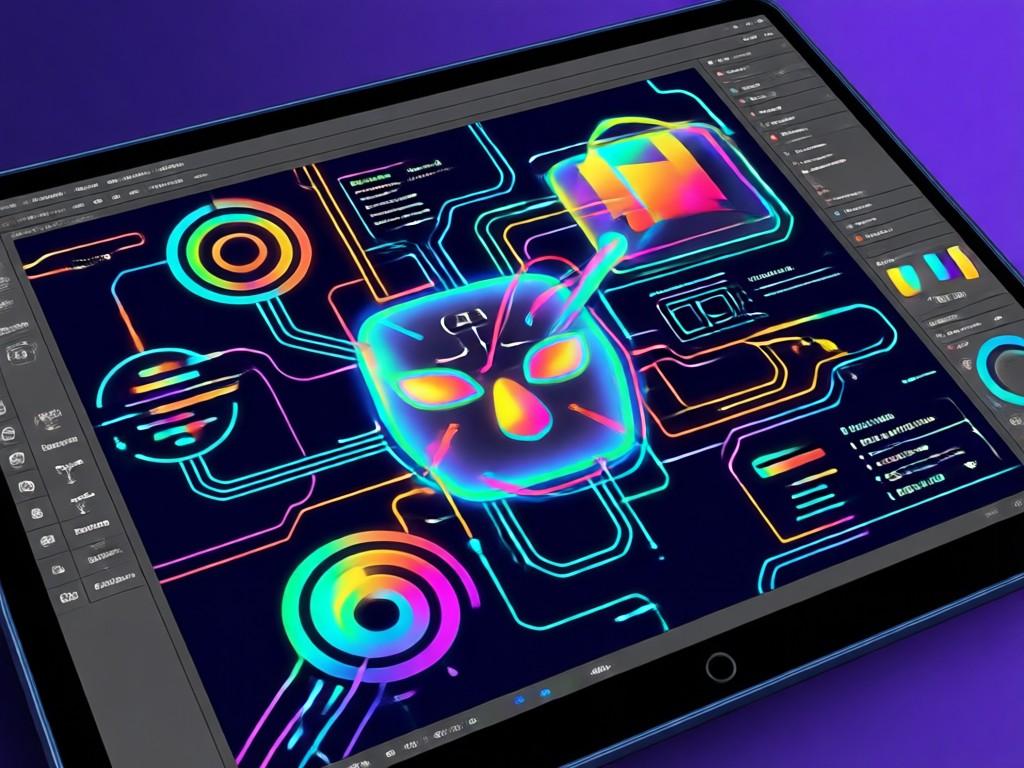
Massive Style Library
Access over one million style filters for AI graphic design, from minimal line art to bold 3D typography and cinematic poster effects.
Massive Style Library
Access over one million style filters for AI graphic design, from minimal line art to bold 3D typography and cinematic poster effects.
AI Graphic Design Examples Created in makmak
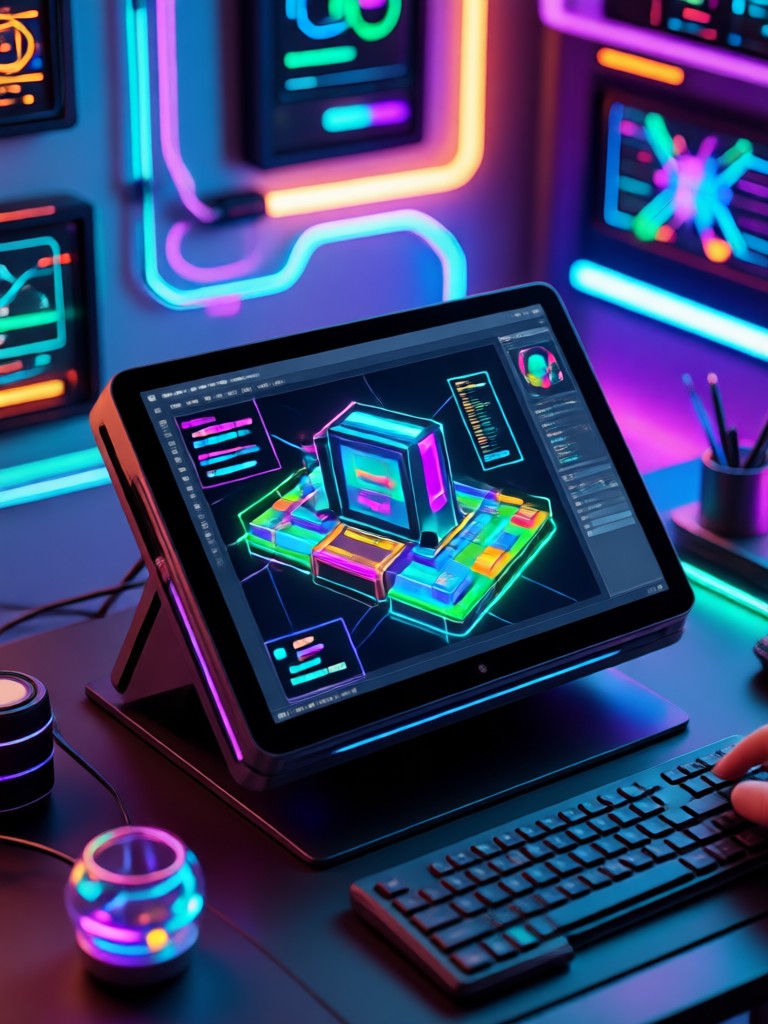
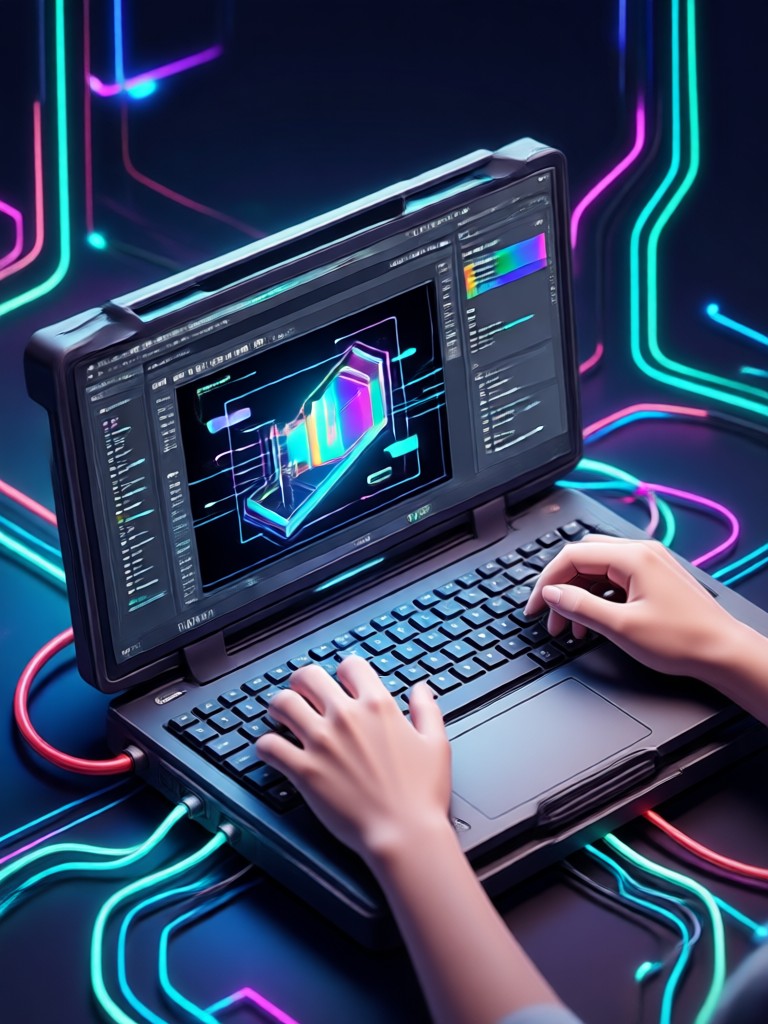
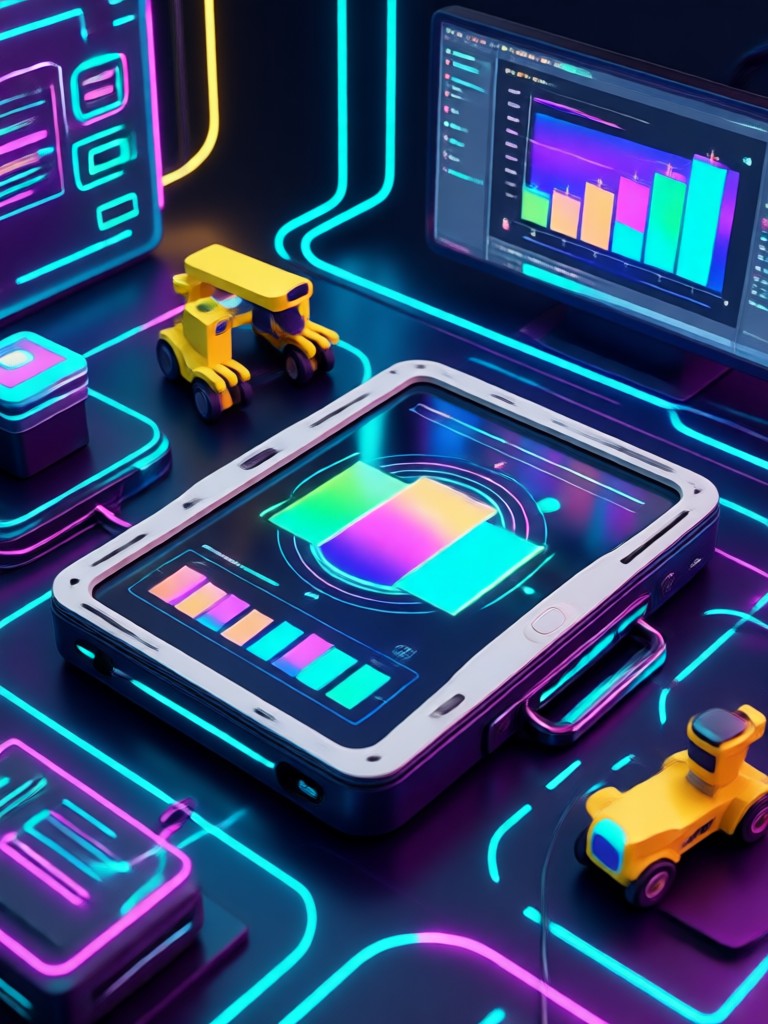
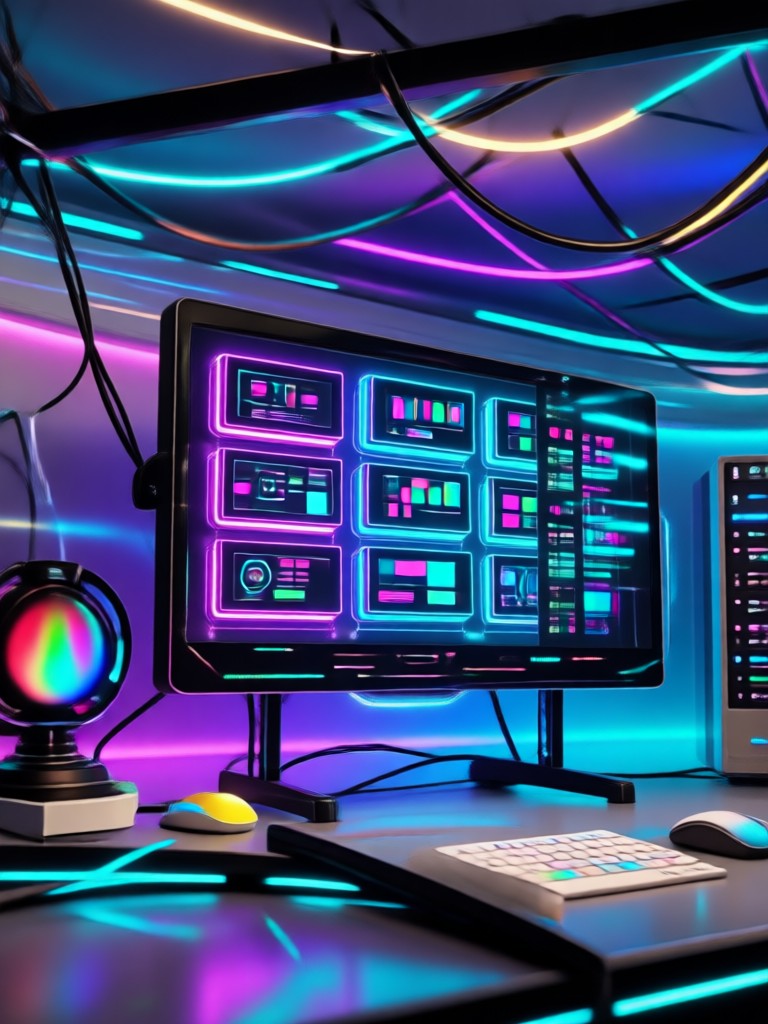
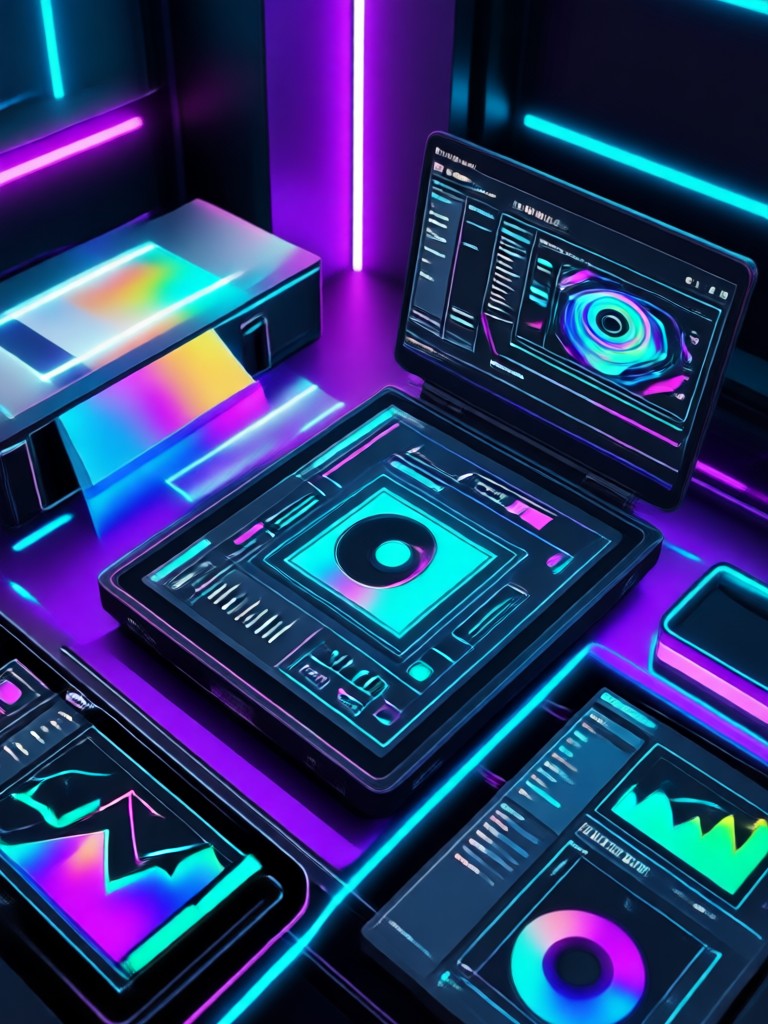
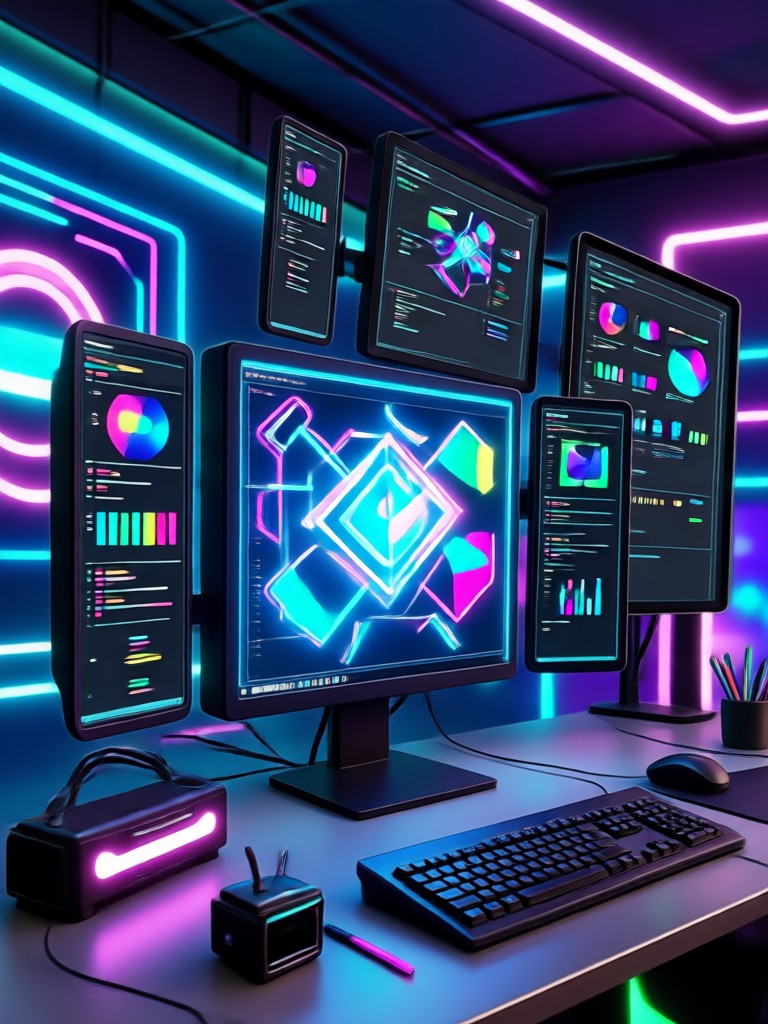
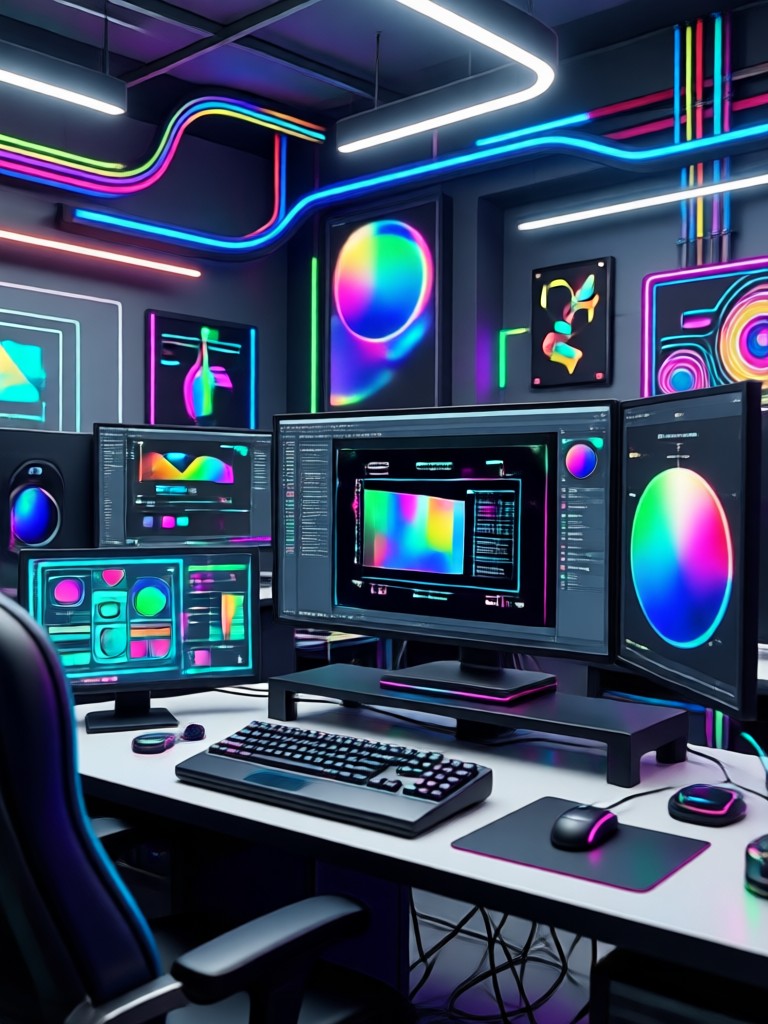
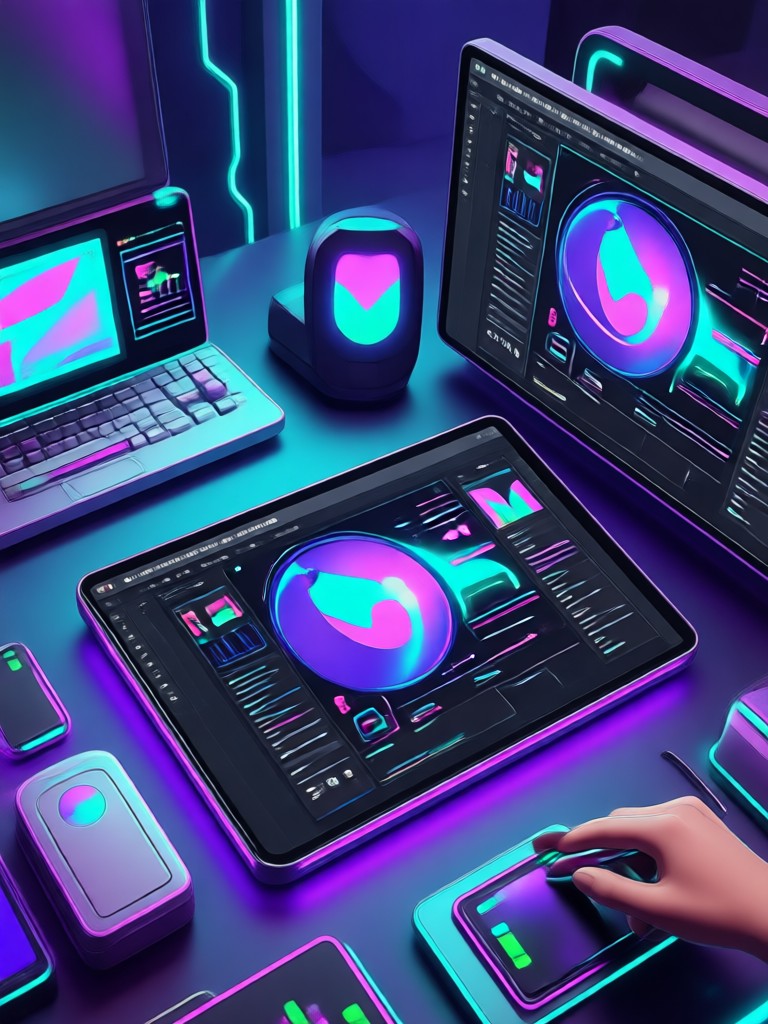
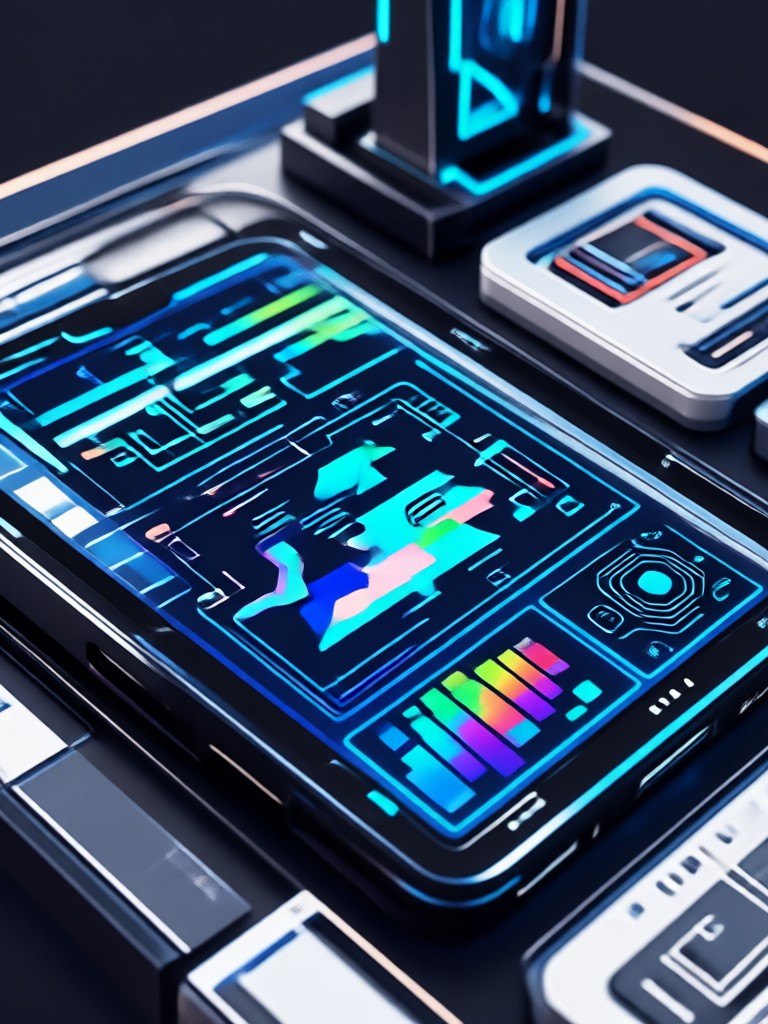
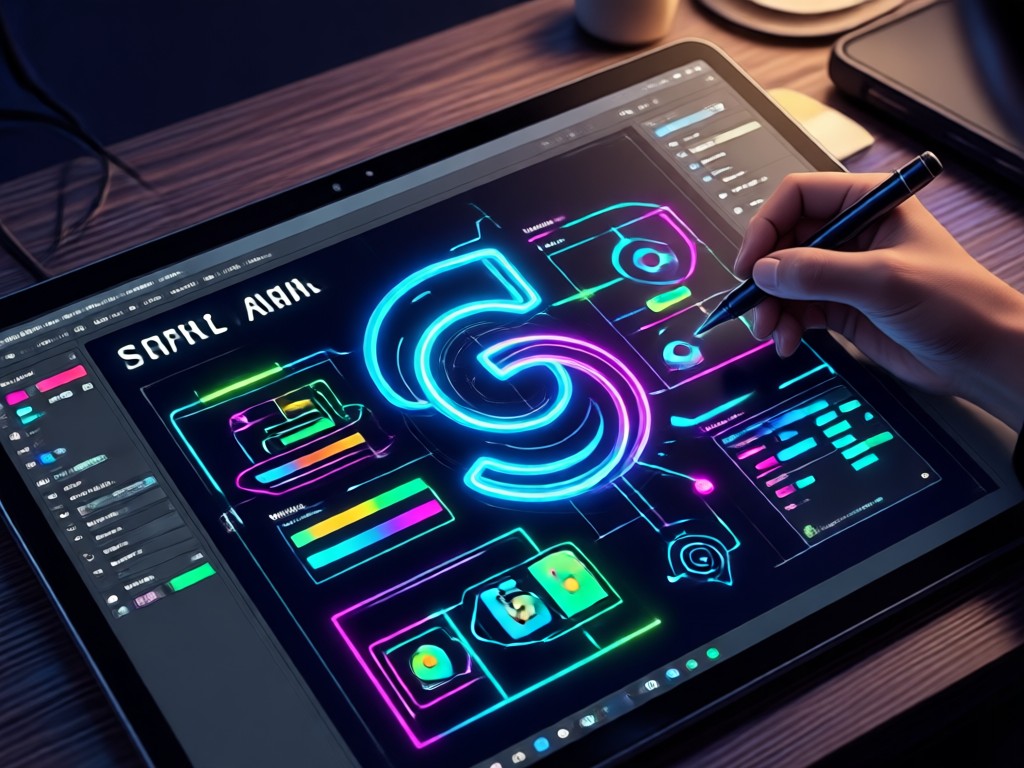
Browse a curated gallery of AI generated posters, logos, and social media graphics made with makmak. See how simple text prompts become professional designs.



Why Creators Choose makmak for AI Graphic Design
makmak removes the learning curve from graphic design. You don't need Photoshop or design training. Just open the app, describe your idea, and generate polished visuals in seconds with zero experience.
Why Creators Choose makmak for AI Graphic Design
makmak removes the learning curve from graphic design. You don't need Photoshop or design training. Just open the app, describe your idea, and generate polished visuals in seconds with zero experience.
How to Generate AI Graphic Design in 3 Steps
Turn your idea into a polished design with makmak in just three simple steps.

Step 01.
Download makmak from Google Play and open the app on your phone.

Step 02.
Type your design prompt or upload a reference image, then choose a style template that matches your vision.

Step 03.
Generate your AI graphic design, save it in high resolution, and share it directly to social media.
What Designers and Creators Say About makmak
My go to tool for quick client mockups
I use makmak for AI graphic design every day. It turns rough ideas into polished poster and logo concepts in seconds, and my clients love seeing options fast.
Perfect for social media content
I run a small bakery and needed social media graphics. makmak's style filters helped me create on brand posts without hiring a designer.
No design skills needed
I always struggled with design tools. makmak's text to image generator is so simple, I finally feel creative.

AI Graphic Design App for Android
Turn text and photos into professional posters, logos, and social media graphics. Download makmak from Google Play and start creating in minutes.

Frequently Asked Questions About AI Graphic Design
Get clear answers to common questions about using makmak for AI graphic design.
More Topics You May Like
Explore more topics you may like and discover fresh ideas tailored to your interests.
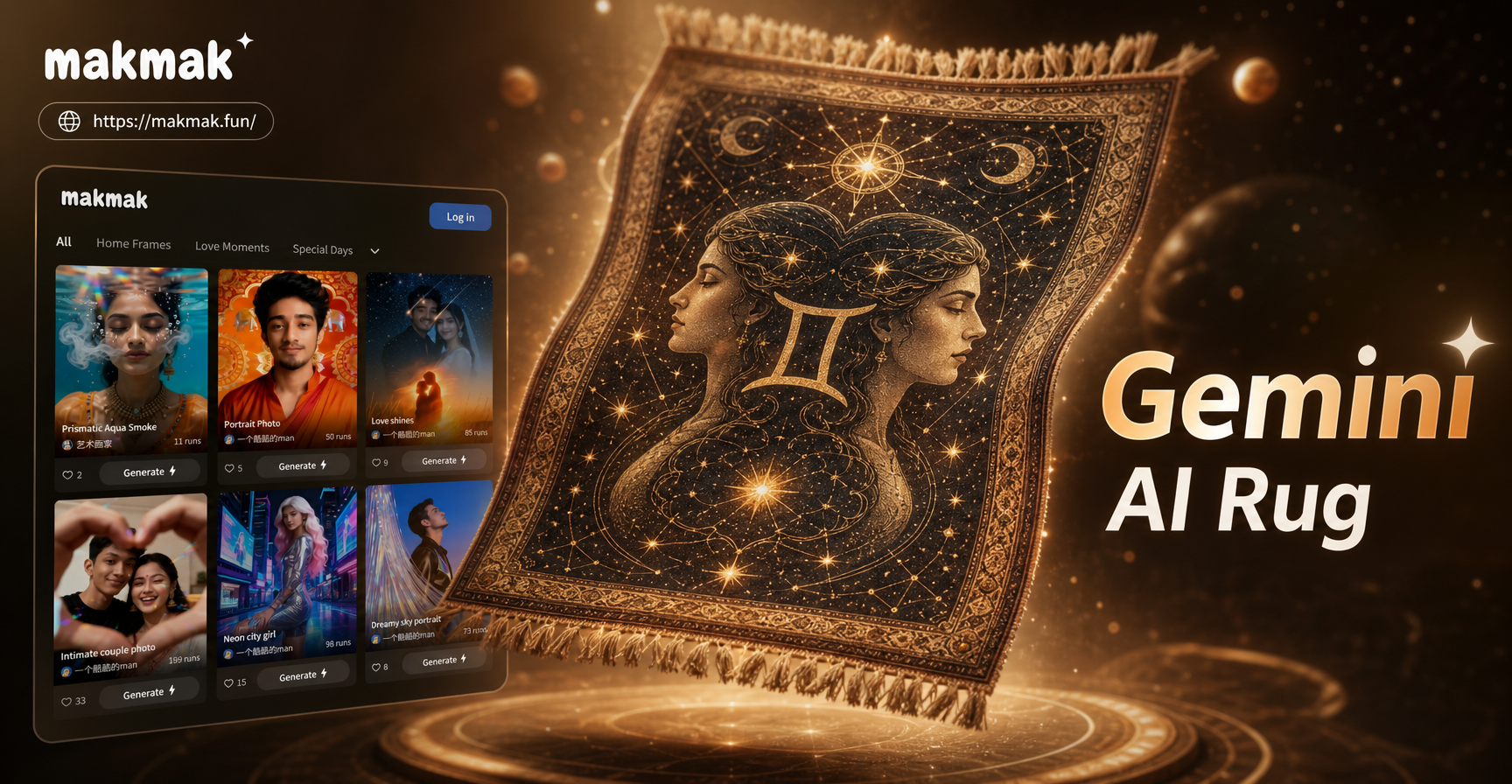
Turn Room Ideas Into Gemini AI Rug Previews
Gemini AI Rug turns photos into custom rug design previews. Pick a style, upload a reference, and see realistic patterns in seconds. Perfect for home decor and product mockups.

Turn Veggie Photos into Stunning AI Art Instantly
Transform vegetables into playful AI art, cartoon characters, and animated videos. Upload a photo, pick a style filter, and create unique veggie designs in seconds.

Create Stunning City Skylines with AI in Seconds
Generate breathtaking city skyline art with AI. Choose from cyberpunk, watercolor, anime and more styles. Download the app and turn your urban vision into stunning visuals.
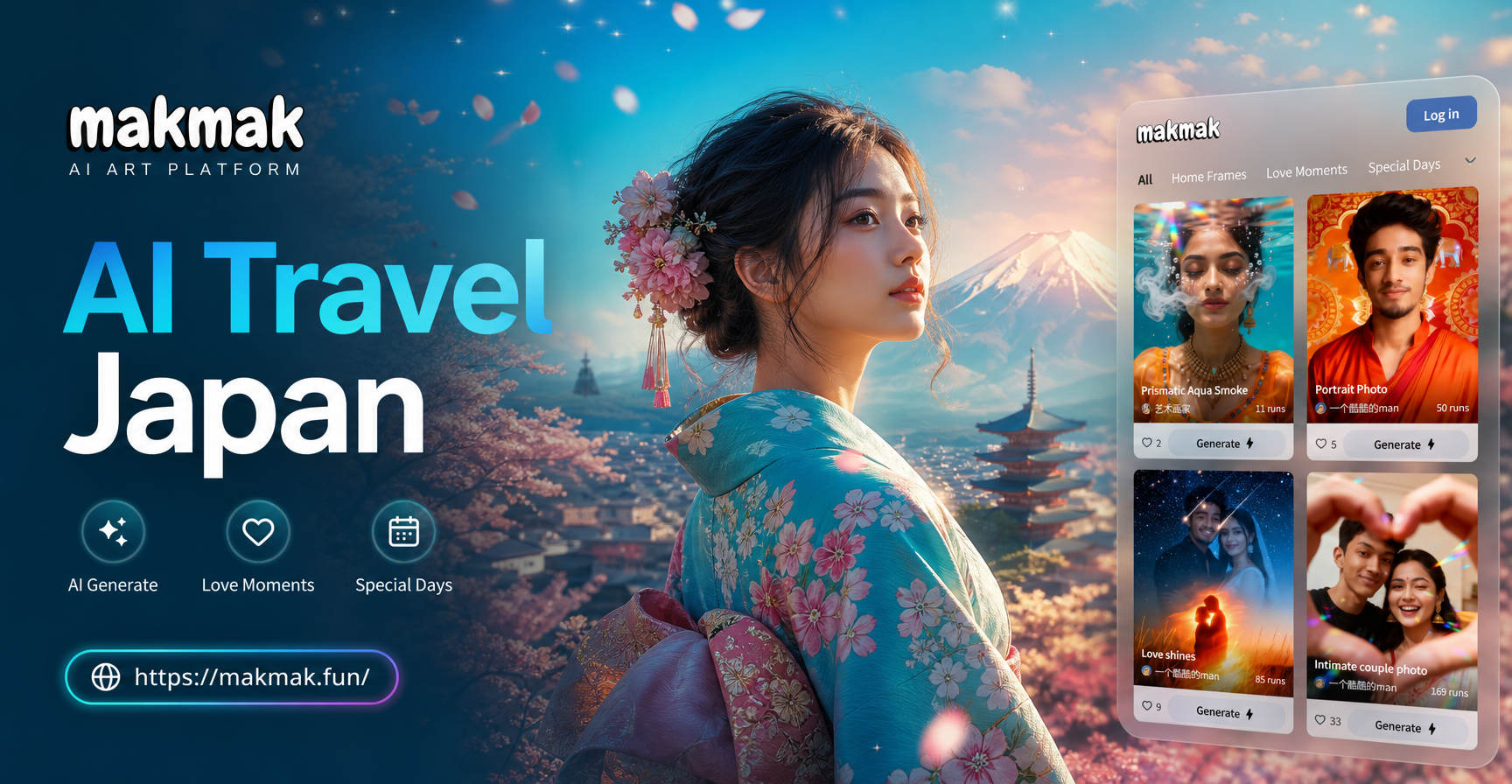
AI Japan Travel Poster Generator in Gemini Style
Create Gemini AI Japan travel posters in seconds. Upload a photo or type a prompt, choose retro, vintage, or anime styles, and generate Japanese tourism art on mobile.
Start Your AI Graphic Design Journey
Download makmak and unlock one million style filters, text to image generation, and professional design tools in one simple app.
Start Your AI Graphic Design Journey
Download makmak and unlock one million style filters, text to image generation, and professional design tools in one simple app.