Add Freckles To Photo
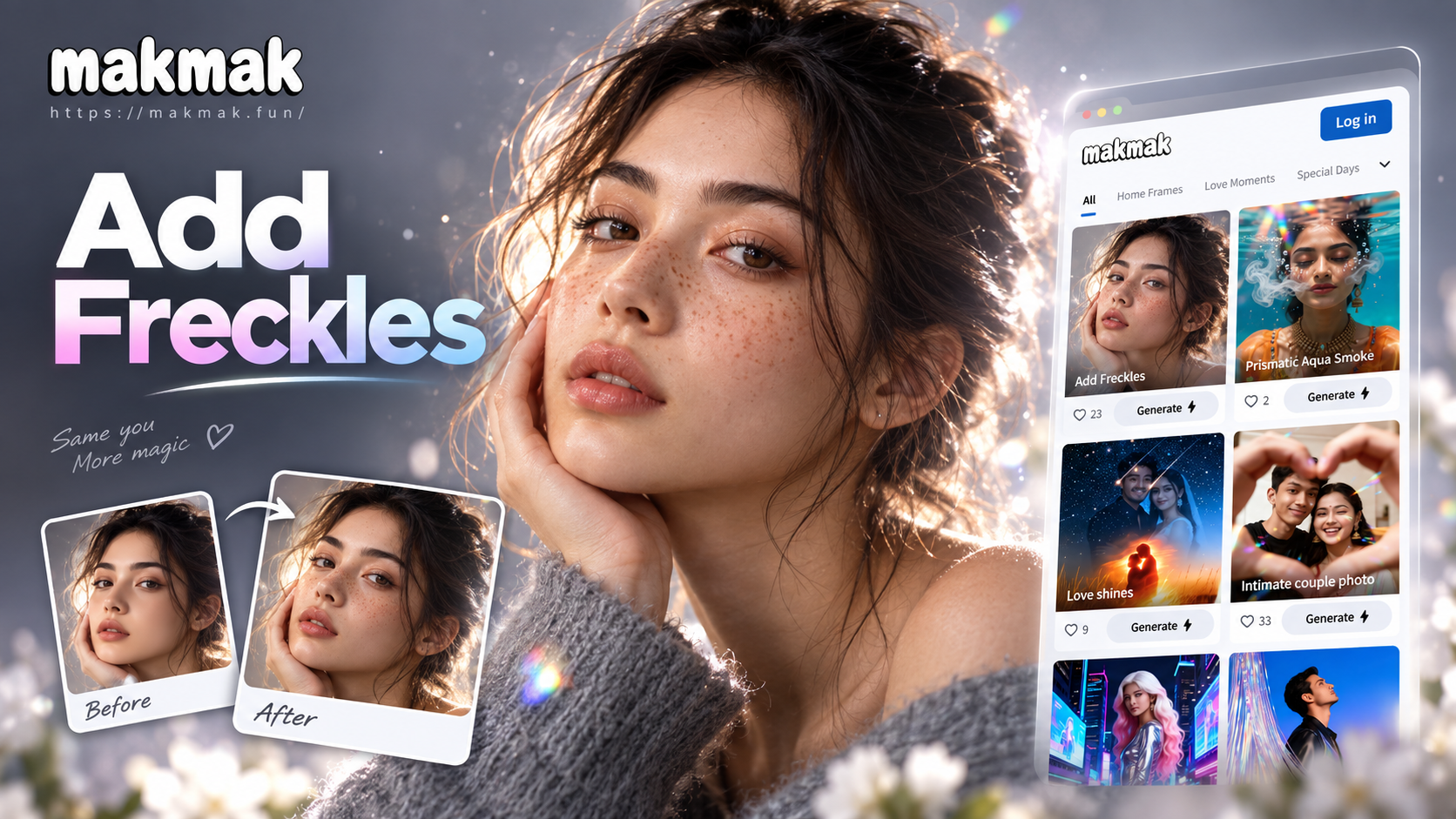
Explore Different Freckle Styles
From subtle, natural freckles to bold beauty spots, choose the perfect filter to transform your portrait's character.
Why Use AI to Add Freckles?
Our AI offers more than just dots. It understands light, skin texture, and facial contours to create perfectly blended, realistic freckles every time.
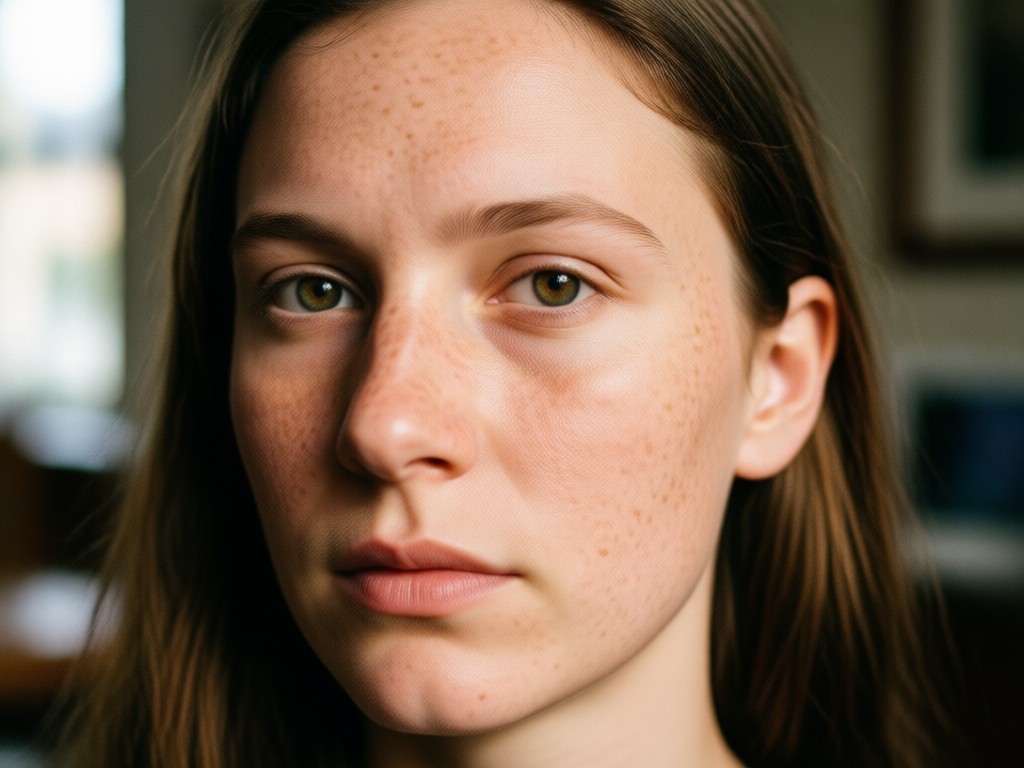
Natural & Realistic Blending
AI analyzes your skin tone and lighting to place freckles that look like they grew there. They blend seamlessly with your natural texture and facial contours.
Natural & Realistic Blending
AI analyzes your skin tone and lighting to place freckles that look like they grew there. They blend seamlessly with your natural texture and facial contours.
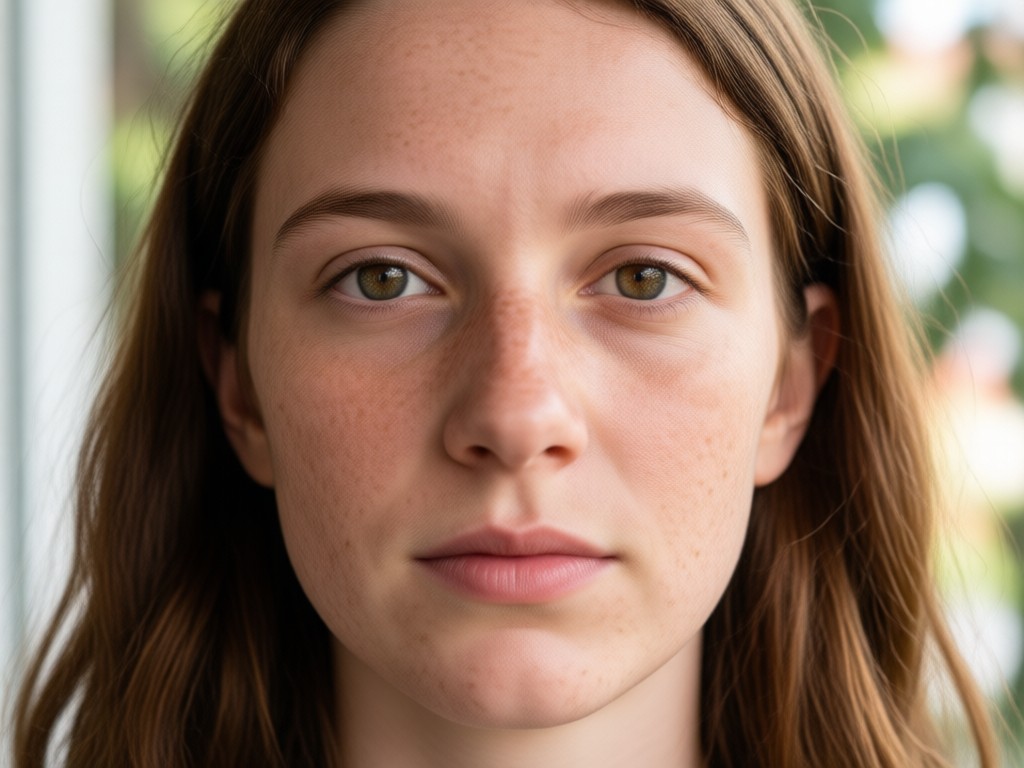
Fully Customizable Placement
Control exactly where the freckles go. Adjust density on the nose, cheeks, and forehead. Choose between scattered, clustered, or a single beauty mark.
Fully Customizable Placement
Control exactly where the freckles go. Adjust density on the nose, cheeks, and forehead. Choose between scattered, clustered, or a single beauty mark.
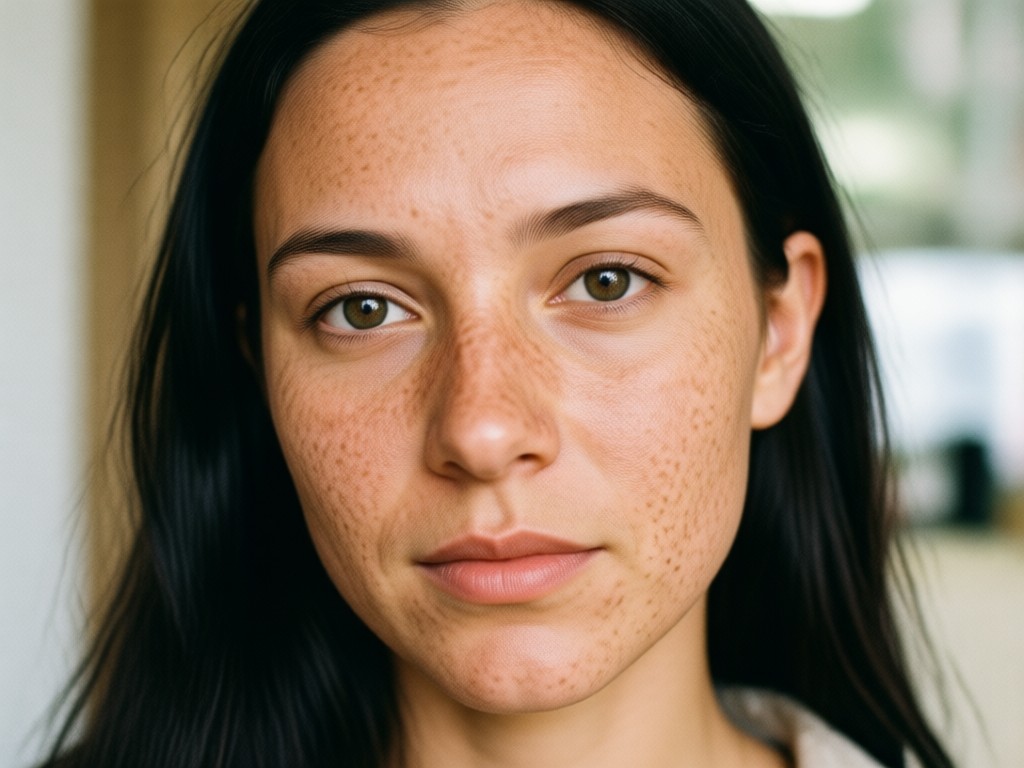
Multiple Style Options
Choose from sun-kissed golden freckles, cool-toned ashy speckles, cute cartoon dots, or dramatic editorial beauty spots to match your aesthetic.
Multiple Style Options
Choose from sun-kissed golden freckles, cool-toned ashy speckles, cute cartoon dots, or dramatic editorial beauty spots to match your aesthetic.
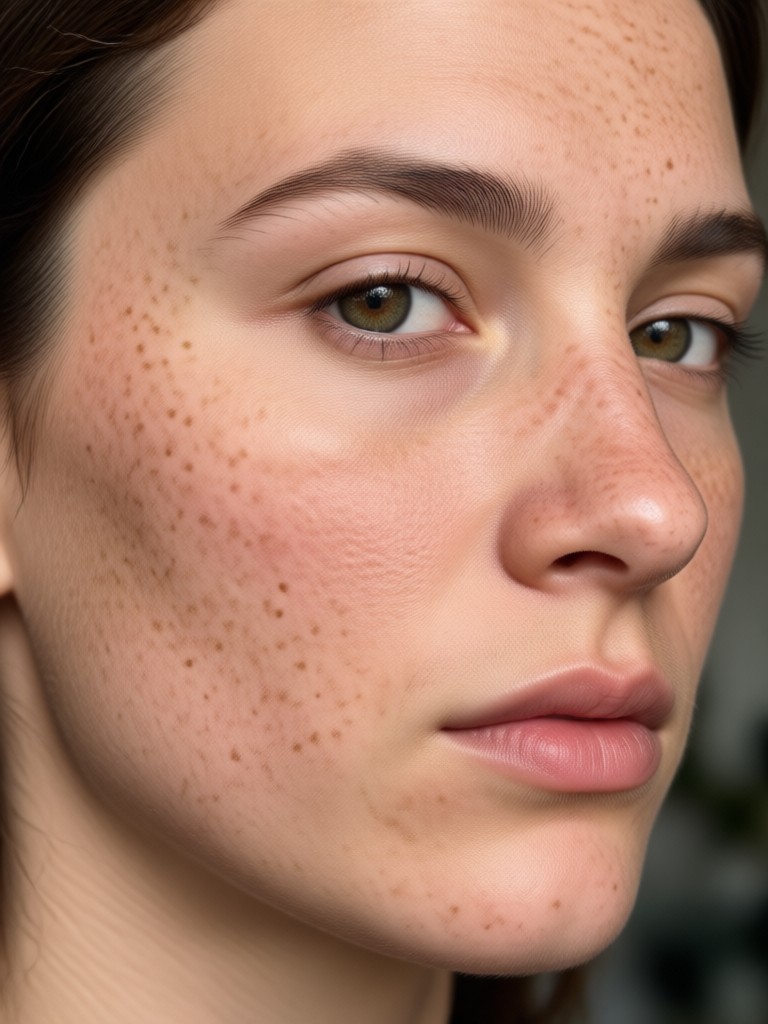
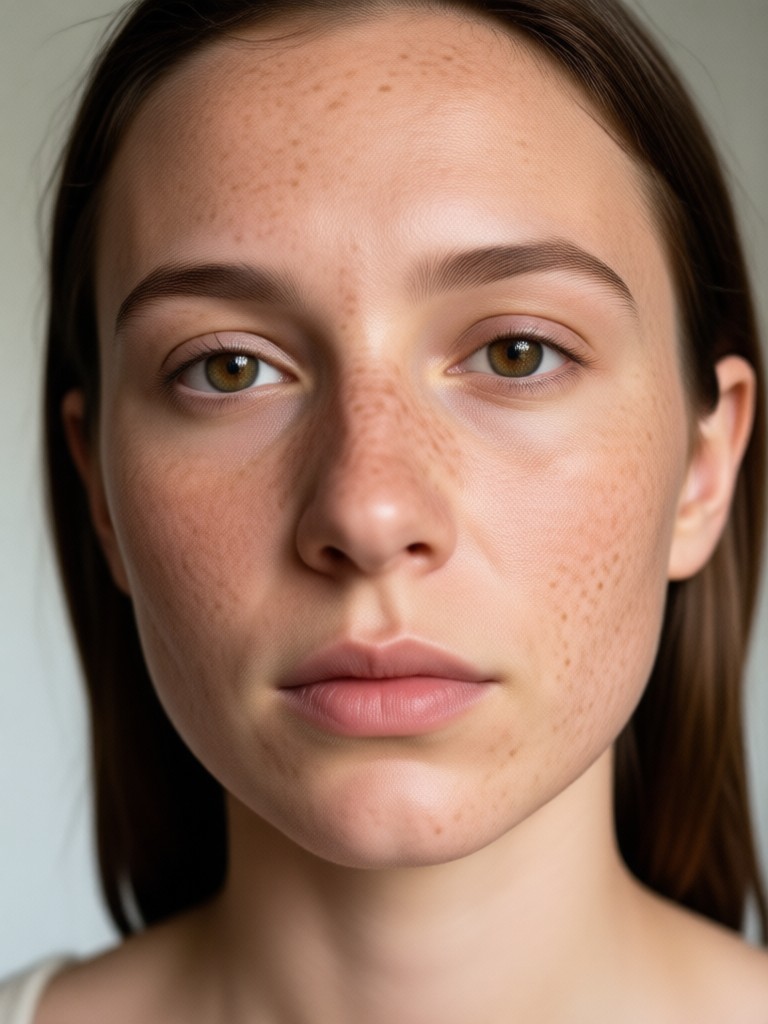
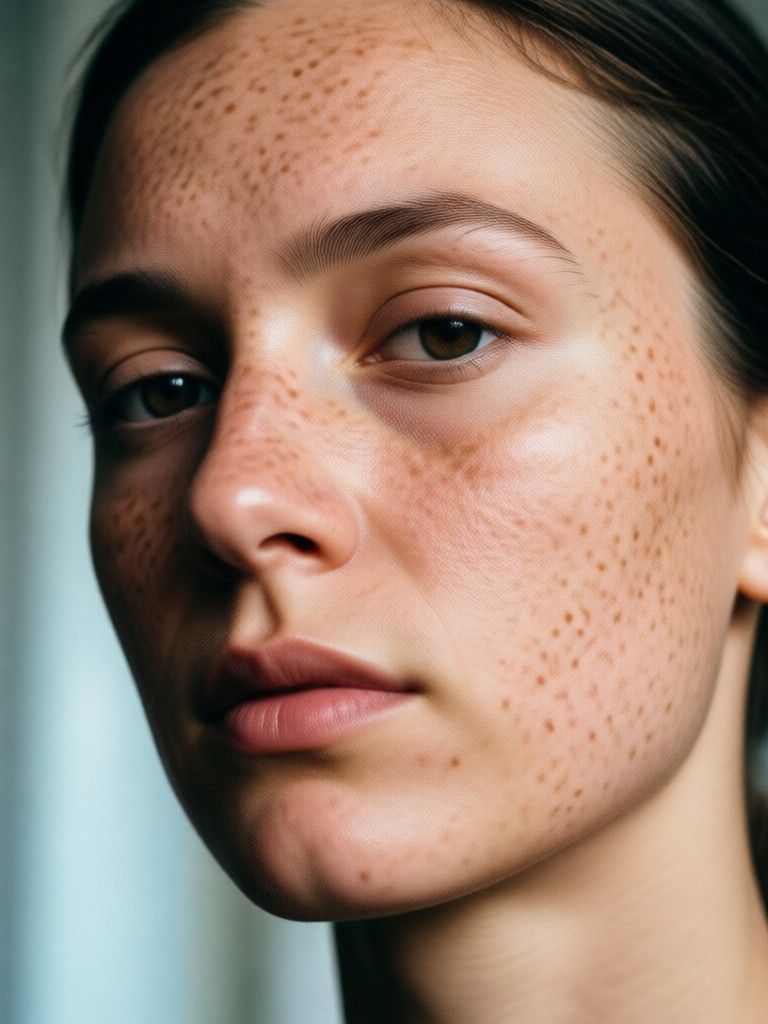
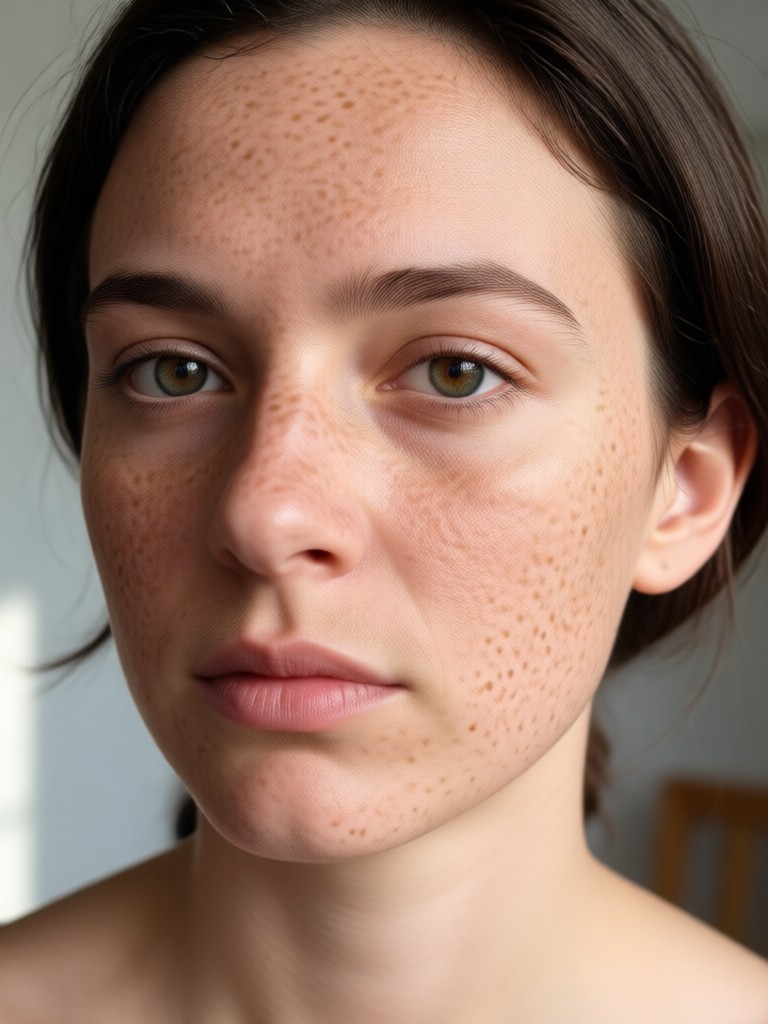
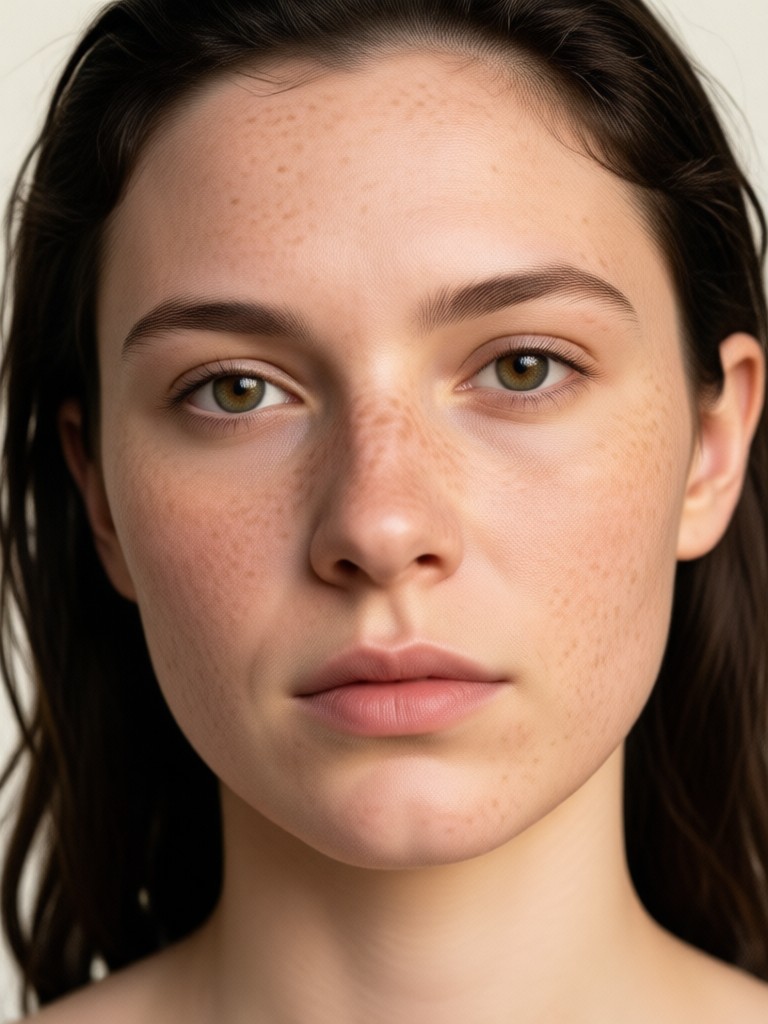
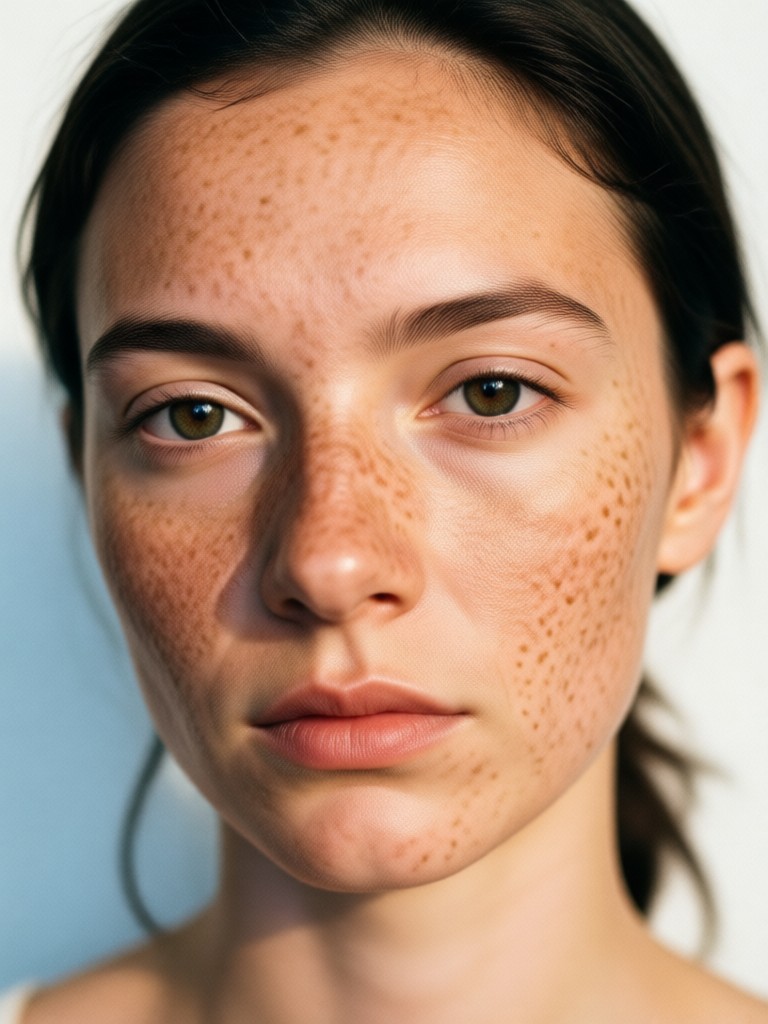
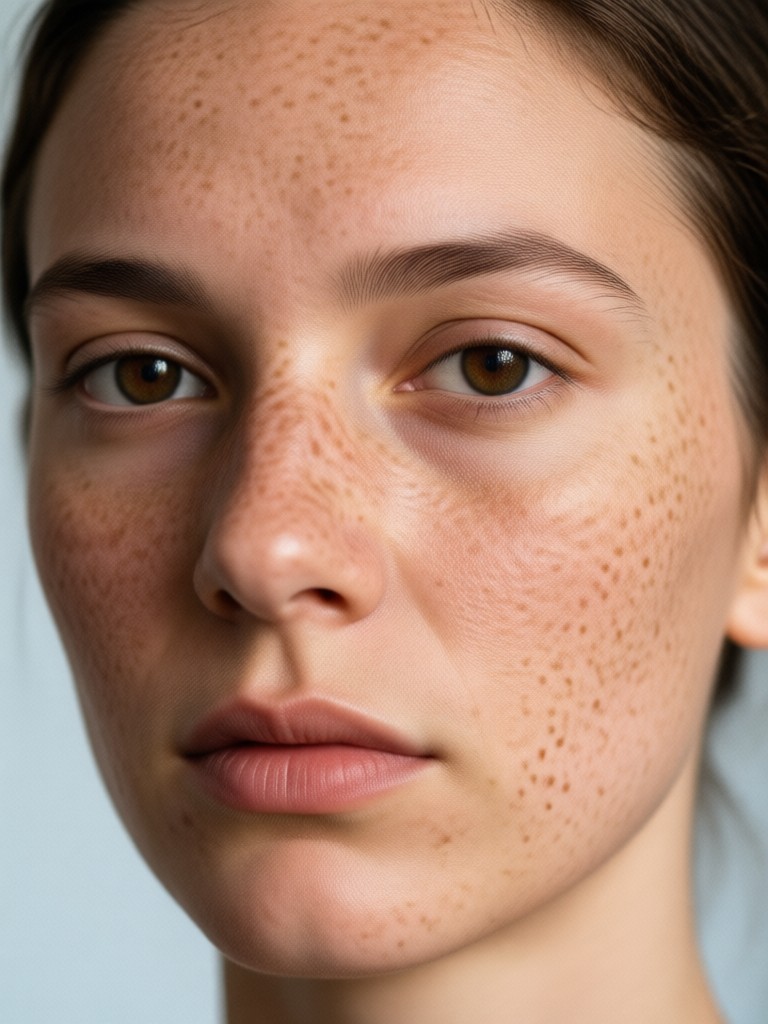
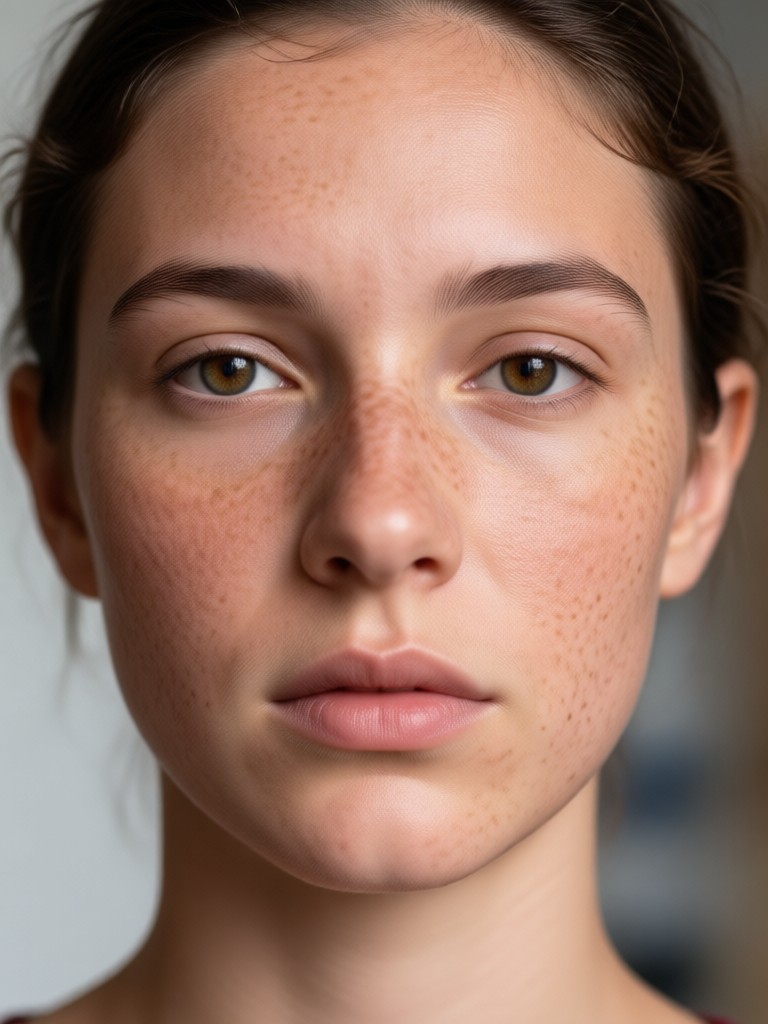
AI Freckle Transformations Gallery
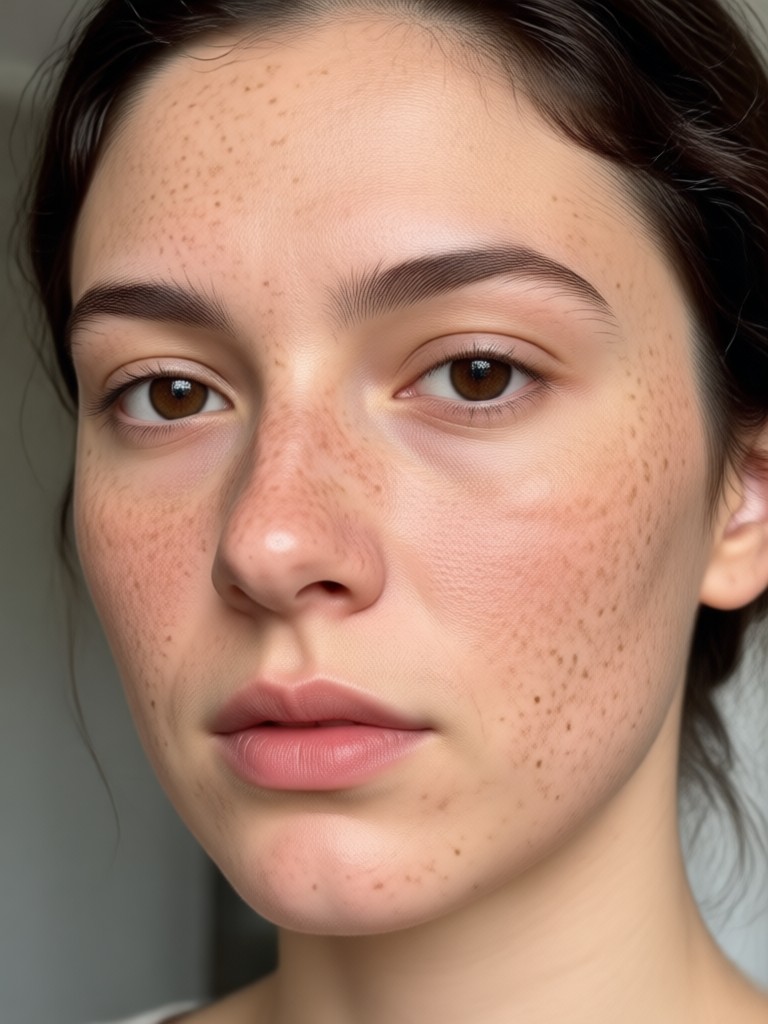
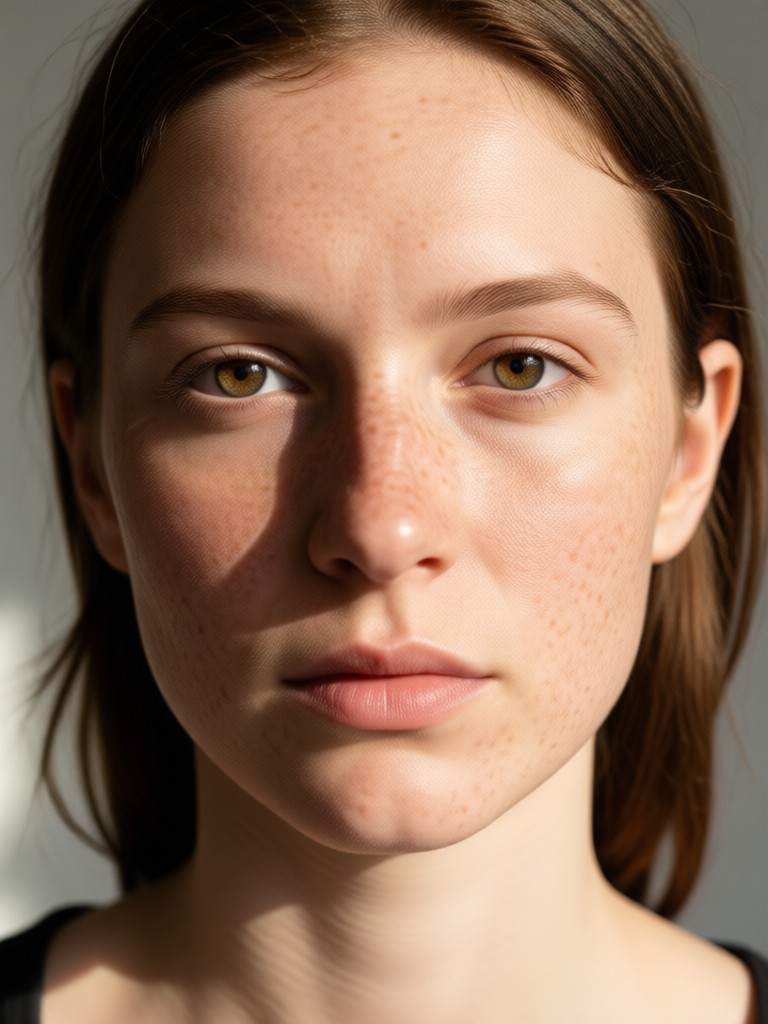
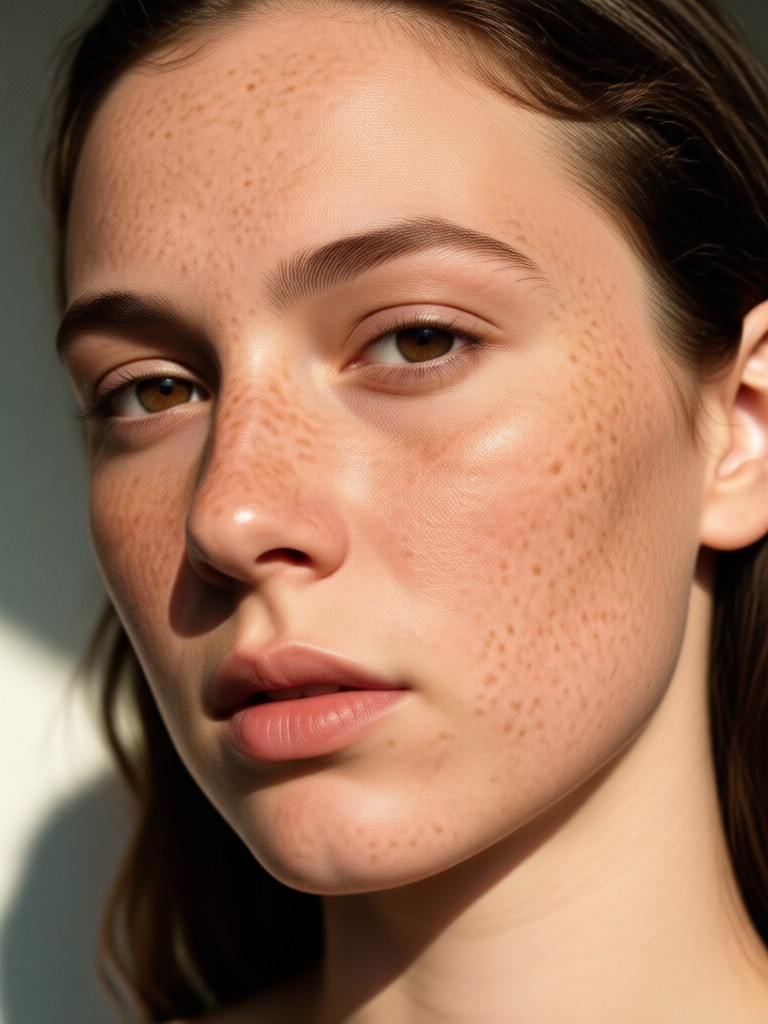
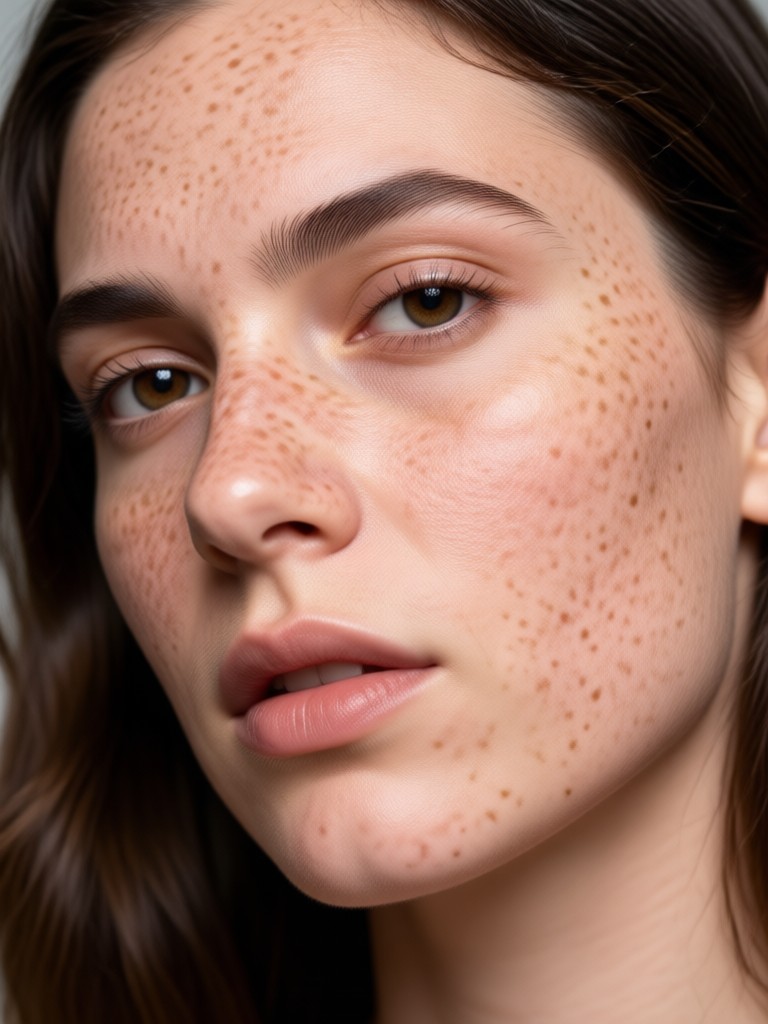
See how adding freckles can completely change the vibe of a portrait. Browse real examples created with our AI filters.
How to Add Freckles to a Photo with AI?
Create your perfect freckled look in just three simple steps, all within the makmak app.

Step 01.
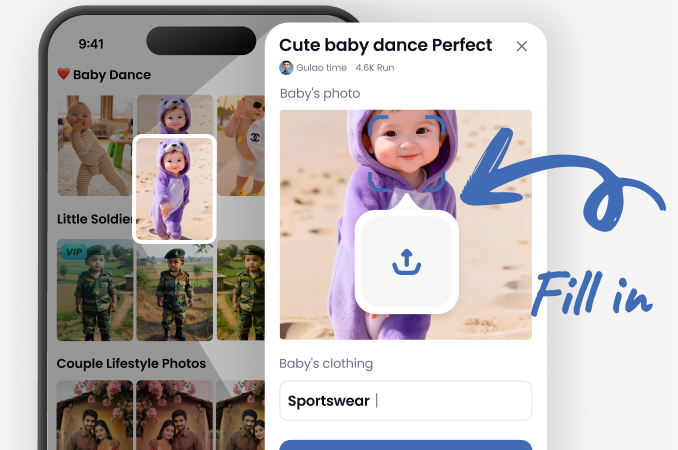
Download the free makmak app from Google Play. Open it and tap the 'Freckles' or 'Beauty' category to find the perfect filter.
Step 02.
Upload a clear portrait photo. Browse and select from dozens of freckle style filters. Preview how each one looks on your photo instantly.
Step 03.
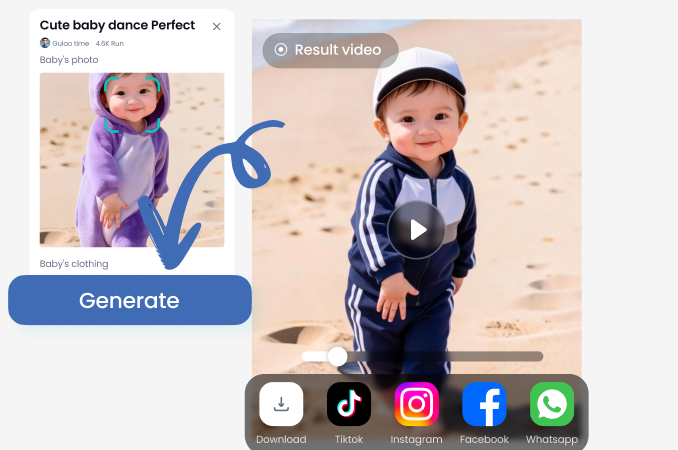
Generate your freckled photo. Fine-tune the intensity and placement if needed, then download your image to share on social media.
What Users Say About AI Freckles
Finally, realistic freckles without the makeup hassle!
I've always wanted freckles but makeup looks fake. This AI gets the color and placement so right. My friends thought I'd been on vacation. It's my go-to for Instagram photos now.
Perfect for creating consistent character art.
As a digital artist, I use this to add defining features to my OC portraits. The customization lets me create the exact freckle pattern I envision, saving me hours of manual painting.
Made my cosplay transformation complete.
I was cosplaying a character with distinctive freckles. This app nailed it. I could adjust them to match the reference perfectly. It added that last touch of authenticity.
What Makes AI Freckles Look Real?
Our AI doesn't just paste dots. It analyzes your photo's unique light source and shadows, placing each freckle with varying opacity and color to match where the sun would naturally hit your face. This creates depth and a truly believable, three-dimensional effect.
Frequently Asked Questions
Get quick answers to common questions about adding freckles to photos with AI.
More Topics You May Like
Explore more topics you may like and discover fresh ideas tailored to your interests.
Create Polaroid Couple Photos with AI

Create a Memorable Birthday Video for Dad in Minutes
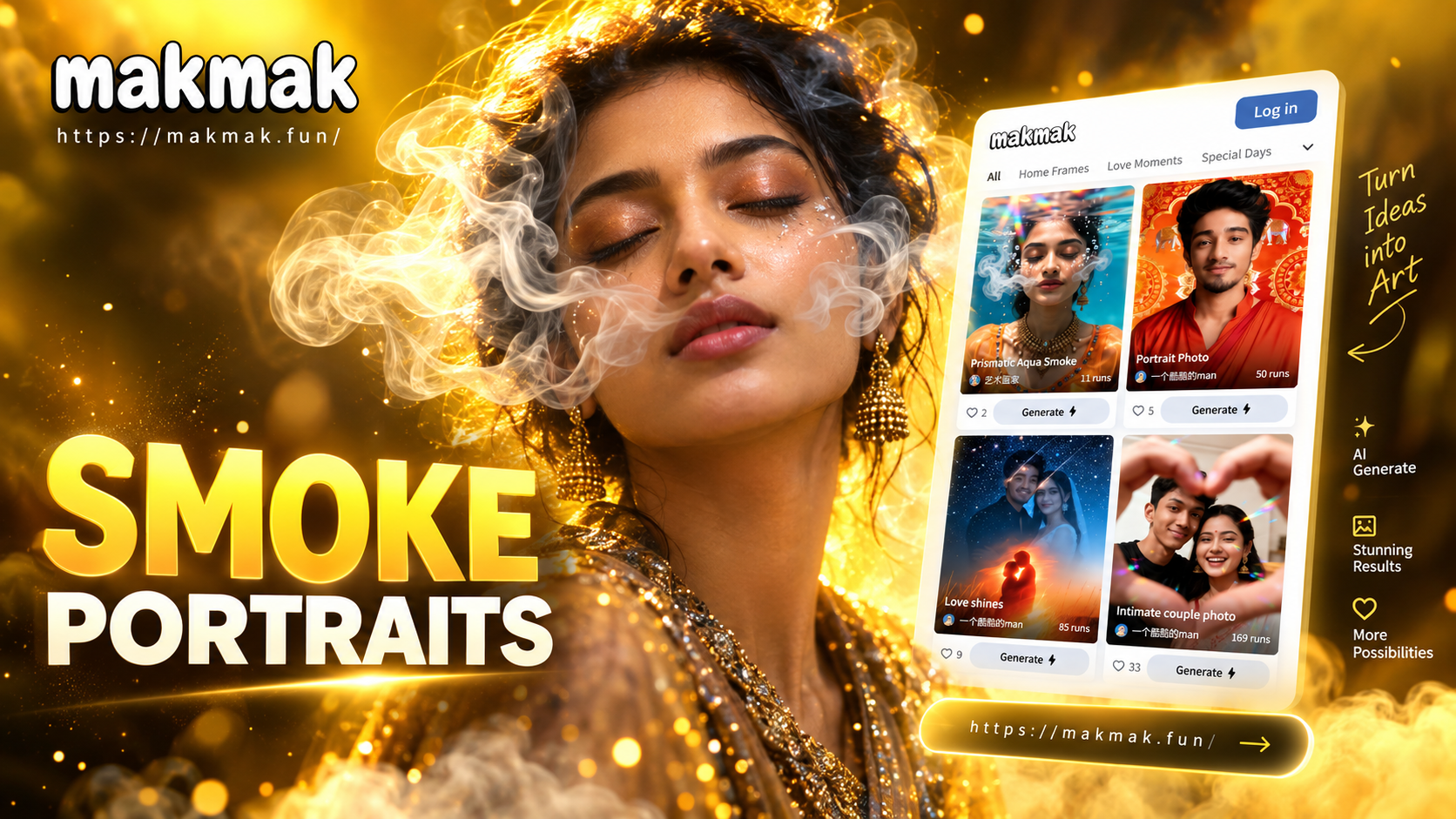
Create Dramatic Cinematic Smoke Portraits with AI
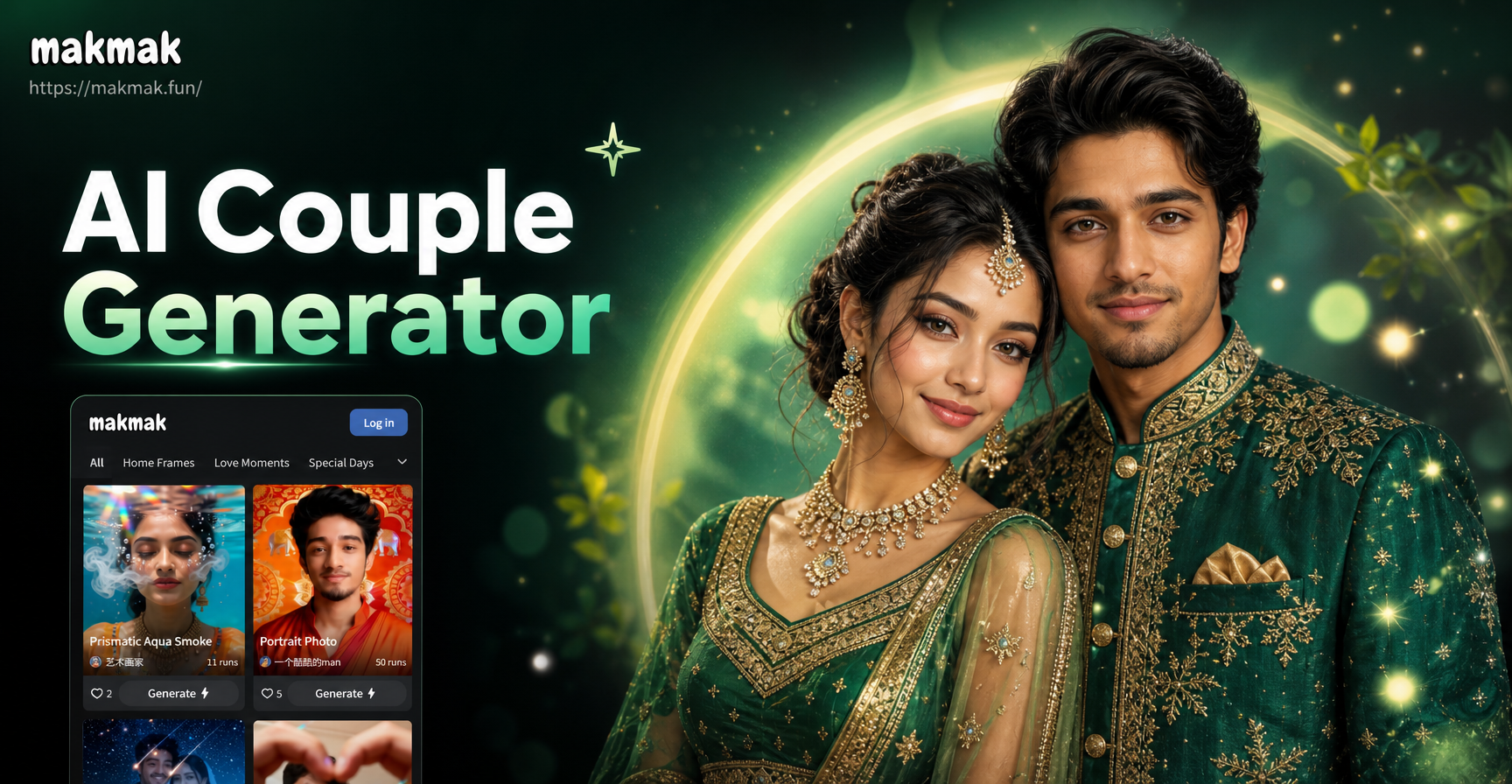
Create Royal Lehenga Sherwani AI Couple Photos Online
Create Polaroid Couple Photos with AI
Create a Memorable Birthday Video for Dad in Minutes
Create Dramatic Cinematic Smoke Portraits with AI
Create Royal Lehenga Sherwani AI Couple Photos Online
Get Your Perfect Sun-Kissed Look Today
Download makmak now and explore the easiest way to add charming, realistic freckles to any portrait. Transform your photos in seconds.

Get Your Perfect Sun-Kissed Look Today
Download makmak now and explore the easiest way to add charming, realistic freckles to any portrait. Transform your photos in seconds.